
AOC 24 Gaming Monitor FHD 200Hz IPS NVIDIA G-SYNC Compatible 0.3ms 24G42HE
4.6Editor score
200Hz Refresh Rate
1ms MPRT Response Time
Adaptive Sync Support
Discover the top Aoc monitors for gaming and work. This guide compares specs, performance, and features to help you find the perfect display.
Aoc monitors offer a wide range of displays for gaming and productivity. Choosing the right one depends on your needs for refresh rate, resolution, and panel technology. We analyze the best options available.
We compared ten models based on performance, build quality, and value. Our list covers everything from budget-friendly options to high-end OLED displays. Each pick is chosen to meet specific user requirements effectively.
Each review highlights key specs and real-world performance insights. Keep in mind that availability and deals change frequently. Check current listings before making your final decision today.
4.6Editor score

4.6Editor score
4.4Editor score
This side-by-side comparison highlights key specs across all ten models. Use it to quickly identify the right screen for your budget and performance needs.


This monitor delivers a stunning QHD experience with a 27-inch IPS panel. It holds a high user rating for its vivid colors and sharp details suitable for various tasks.
We may earn a commission when you buy through this link, at no additional cost to you.
The 240Hz refresh rate ensures ultra-smooth motion for competitive gaming. Adaptive-Sync support eliminates screen tearing across both AMD and NVIDIA GPUs for fluid performance.
While the tilt adjustment is functional, it lacks full ergonomic features like height adjustment. These trade-offs are acceptable given the strong performance and competitive pricing of this unit.
It is ideal for gamers needing speed and clarity. We recommend this model for anyone seeking a high-quality IPS display with robust gaming features.
The 240Hz refresh rate provides incredible smoothness for fast-paced games. This reduces motion blur and keeps your gameplay competitive.
IPS technology ensures wide viewing angles and accurate colors. You will enjoy vibrant visuals whether you are gaming or working.
We may earn a commission when you buy through this link, at no additional cost to you.
This budget-friendly model offers exceptional value for gamers. It features a crisp Full HD visual experience wrapped in a sleek frameless design perfect for tight spaces.
We may earn a commission when you buy through this link, at no additional cost to you.
The lightning-fast 200Hz refresh rate allows for precise targeting during action. Adaptive-Sync and low input lag ensure smooth transitions without ghosting effects.
While it is limited to FHD resolution, the color gamut remains vivid. Console gamers can enjoy up to 120Hz frame rates which is impressive for the price point.
It is a top choice for those prioritizing speed and affordability. We recommend this for entry-level competitive setups needing reliable performance.
The 3-sided frameless design minimizes bezel distraction. This creates a seamless experience when setting up multiple monitors.
Console gaming is optimized with low latency support. This ensures your inputs register quickly for a competitive edge.
We may earn a commission when you buy through this link, at no additional cost to you.
This model stands out with its state-of-the-art OLED panel. It delivers genuine blacks and extreme color accuracy that elevate your viewing experience significantly.
We may earn a commission when you buy through this link, at no additional cost to you.
The 240Hz refresh rate and 0.03ms response time offer unprecedented fluidity. HDR10 produces rich details and diverse contrast for full immersion in games.
The only downside is the premium cost and potential burn-in risks inherent to OLED. However, the visual quality justifies the investment for enthusiasts.
It is the ultimate choice for high-end gaming setups. We recommend this for those seeking the best display technology available today.
OLED technology allows each pixel to emit its own light. This results in infinite contrast ratios and deep blacks.
Rear lighting options let you customize the battle station. Sync colors with other AOC devices for a cohesive look.
We may earn a commission when you buy through this link, at no additional cost to you.
This monitor is tailored for multimedia and professional tasks. The 4K resolution provides immense clarity for documents and creative projects.
We may earn a commission when you buy through this link, at no additional cost to you.
IPS panels ensure wide viewing angles and over a billion colors. The frameless design is ideal for seamless setups on any desk.
While not designed for high-speed gaming, it supports HDR. The built-in speakers add convenience though audio quality is standard for the size.
It is perfect for office work or casual media consumption. We recommend it for users prioritizing resolution and eye comfort.
The 3840×2160 resolution offers pixel-perfect text. This is vital for productivity and design work.
HDR support enhances video playback significantly. Enjoy richer details in movies and content.
We may earn a commission when you buy through this link, at no additional cost to you.
This monitor pushes the limits with a 260Hz overclocked refresh rate. It is built for fast-paced FPS games where every millisecond counts.
We may earn a commission when you buy through this link, at no additional cost to you.
The 27-inch IPS panel delivers crisp visuals at 1080p. Adaptive-Sync ensures fluid gameplay without tearing for smooth transitions.
While resolution is standard, the speed is exceptional for the price. Flicker-Free technology helps reduce eye strain during long sessions.
It is perfect for budget-conscious esports players. We recommend this for those needing extreme refresh rates.
260Hz overclocking provides ultra-smooth motion. This gives you a competitive edge in shooters.
Low power usage helps save energy. It remains efficient even during long gaming hours.
We may earn a commission when you buy through this link, at no additional cost to you.
This curved model offers deep immersion with its 1500R curvature. The VA panel delivers high contrast and vibrant lifelike images.
We may earn a commission when you buy through this link, at no additional cost to you.
The 180Hz refresh rate ensures responsive gameplay. SmartContrast enhances deeper blacks and brighter colors for a dramatic effect.
VA panels may show slight ghosting compared to IPS. However, the contrast is superior for dark room gaming.
It is ideal for single-player immersive experiences. We recommend this for users seeking visual depth.
The 1500R curve wraps around your view. This enhances focus during long gaming sessions.
High contrast makes dark scenes pop. It ensures you never miss a detail.
We may earn a commission when you buy through this link, at no additional cost to you.
This model brings massive immersion with its 32-inch curved design. It delivers a 240Hz refresh rate for incredibly fast motion.
We may earn a commission when you buy through this link, at no additional cost to you.
AMD FreeSync Premium ensures smooth variable refresh rates. The frameless design reduces distractions during intense gameplay.
FHD resolution on 32 inches results in lower pixel density. This is acceptable if speed and size are your priority.
It is a great pick for FPS enthusiasts. We recommend this for competitive players on a large screen.
The 32-inch size fills your peripheral vision. This makes games feel more realistic.
Extended warranty coverage provides extra peace of mind. It protects your investment against defects.
We may earn a commission when you buy through this link, at no additional cost to you.
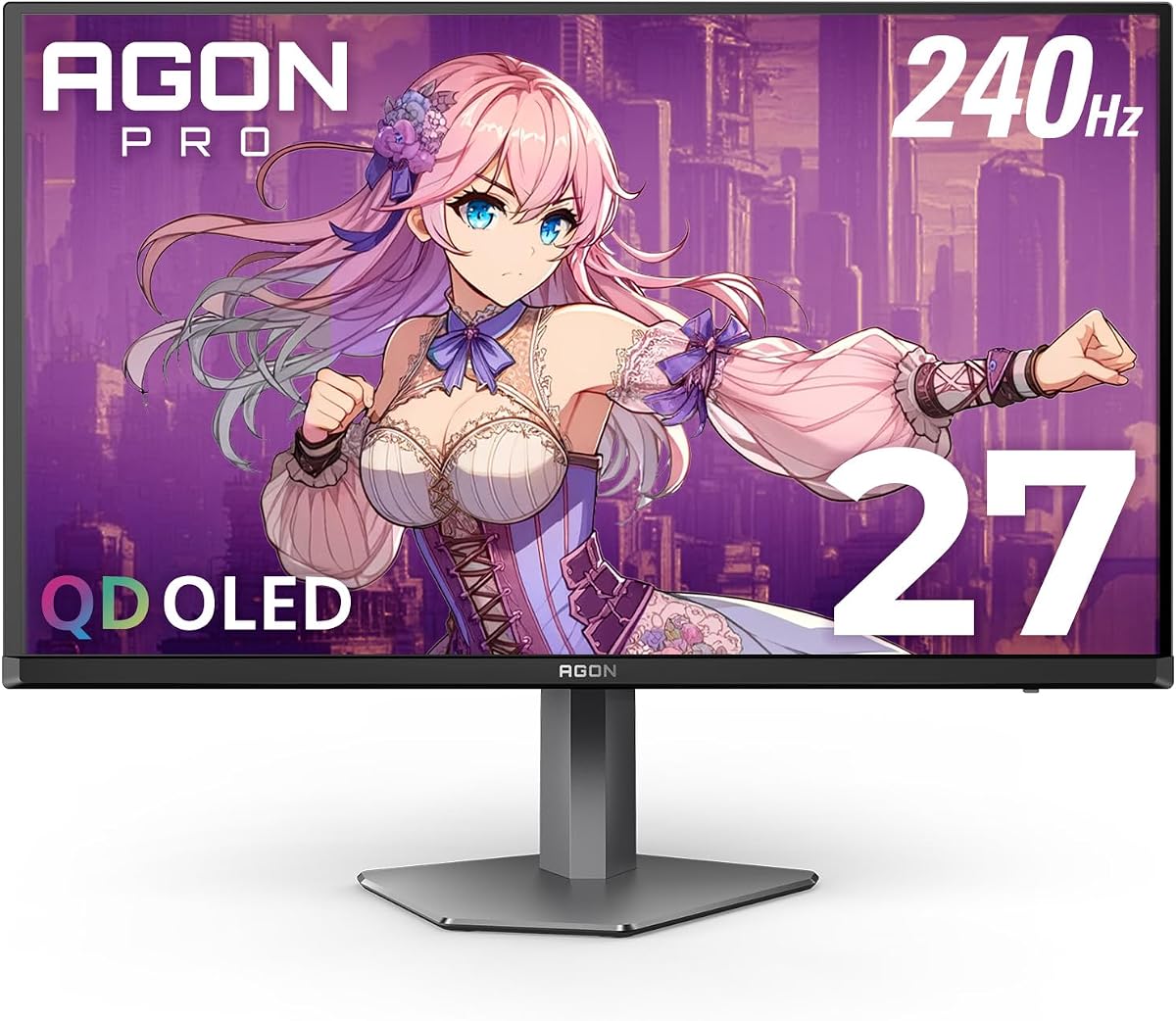
Another OLED option with high specs. It features a self-luminous panel that delivers genuine blacks and extreme accuracy.
We may earn a commission when you buy through this link, at no additional cost to you.
With 240Hz refresh and 0.03ms response, fluidity is unprecedented. HDR10 ensures rich details and wide color gamuts.
This model offers slightly better value than other premium units. It remains a significant investment for top-tier performance.
It is for those who want the best tech available. We recommend this for enthusiasts seeking pure visual quality.
Quantum Dot layers boost color brightness. This expands the range beyond standard OLED.
Synchronization with your GPU ensures no lag. It keeps gameplay buttery smooth always.
We may earn a commission when you buy through this link, at no additional cost to you.
This is the flagship of the Agon Pro line. It combines OLED excellence with high-end connectivity options.
We may earn a commission when you buy through this link, at no additional cost to you.
The height adjustable stand improves ergonomics significantly. USB hub functionality keeps your desk organized.
At the top of the price range, it demands a budget. However, the features match the premium expectations.
It is for users needing every detail optimized. We recommend this for pro setups and enthusiasts.
130mm height adjustment allows perfect eye level. This reduces fatigue during long hours.
HDMI 2.1 supports next-gen consoles fully. USB ports reduce cable clutter on your desk.
We may earn a commission when you buy through this link, at no additional cost to you.
This renewed model offers great value for tight spaces. Its compact design fits easily on small desks.
We may earn a commission when you buy through this link, at no additional cost to you.
The VA panel delivers deep blacks and vivid colors. Eye care features like blue light filter protect your vision.
While not top-tier for speed, it supports VRR. It is ideal for general tasks and casual gaming.
It is perfect for limited spaces and budgets. We recommend this for students or home offices.
Renewed units undergo inspection. They offer high performance at lower costs.
VESA mount support lets you use custom arms. This gives you full flexibility in placement.
We may earn a commission when you buy through this link, at no additional cost to you.
Selecting the right monitor requires balancing several technical factors. This guide explains what to prioritize based on your needs.
Resolution defines image sharpness. 1080p is sufficient for 24 inches while 1440p is better for 27 inches. Panel type like IPS, VA, or OLED dictates color and contrast.
Choose IPS for color accuracy and VA for contrast. OLED offers the best visual quality but comes at a premium cost.
Refresh rate determines motion smoothness. Gamers should target 144Hz or higher for competitive play. Response time affects ghosting levels.
Look for under 5ms response times. Fast refresh rates ensure fluid gameplay especially in shooters.
Check for HDMI 2.1 or DisplayPort 1.4 support. These standards support higher refresh rates and resolutions. Additional USB ports can be very useful.
Ensure the monitor has the correct inputs for your PC or console. Modern standards future-proof your investment.
A good stand should offer height and tilt adjustments. Frameless designs are better for multi-monitor setups. Curved screens enhance immersion.
Prioritize adjustable stands to avoid strain. A frameless look keeps your desk clean.
G-SYNC or FreeSync eliminates screen tearing. This syncs the monitor with your GPU output. It is essential for smooth visual performance.
Check compatibility with your graphics card. Adaptive Sync is a must-have for modern gaming.
HDR enhances dynamic range and brightness. Look for at least HDR400 certification. It improves image depth in supported content.
Not all HDR is equal. Higher brightness and contrast are required for true HDR effects.
Always power off the monitor before cleaning. Use a microfiber cloth to wipe the screen. Avoid harsh chemicals.
Avoid static pressure on the screen. Place objects at a safe distance. This protects the panel from damage.
Set the correct input source using the OSD. Adjust brightness to match room lighting. This reduces eye strain effectively.
Yes, many AOC models feature high refresh rates and fast response times. They are widely used by esports athletes for their performance.
OLED offers perfect blacks and speed while IPS provides uniform brightness. OLED is generally superior for visual fidelity.
Most gaming models include tilt. Higher-end options often have full ergonomic stands. Budget models usually limit tilt.
1440p offers more detail. It is ideal for 27-inch monitors. 1080p is fine for smaller screens.
Use HDMI 2.0 or DisplayPort 1.2. Higher refresh rates require newer standards. Check your ports.
Yes, many models support HDR and high resolution. They provide good clarity for productivity. Look for ergonomic stands.
We selected ten top models based on value and performance. From budget picks to premium OLED, there is something for every user.
Prioritize refresh rate if you game. Resolution matters more for productivity work. Consider your room lighting.
Prices fluctuate so check current deals. Always verify compatibility with your setup. Find the perfect fit for you.