
Seagate 1TB Mobile HDD
4.4Editor score
Compact 2.5-inch form factor
Standard SATA 6Gb/s interface
Lightweight and portable design
Choosing the right storage solution for your Eufy Homebase 3 is crucial for maintaining reliable video recording and security. A compatible hard drive ensures your footage is saved safely without interruptions or data loss during critical moments.
We evaluated ten top-rated hard drives based on their capacity, speed, durability, and compatibility with surveillance systems. Our analysis focuses on real-world performance metrics to help you find the most reliable option for your setup.
Each pick below highlights key specifications and ideal use cases for different storage needs. Prices and availability change frequently, so verify current details before purchasing to ensure you get the best value for your investment.
4.4Editor score

4.6Editor score

4.6Editor score
As an Amazon Associate we earn from qualifying purchases.
The following comparison table provides a side-by-side overview of all ten products, highlighting their key specifications and features to help you make an informed decision quickly.




This Western Digital drive is a highly rated choice for general storage needs. Its 4.6-star rating reflects consistent performance in everyday computing tasks. The drive offers solid reliability and comes with useful software for cloning.
We may earn a commission when you buy through this link, at no additional cost to you.
The standout qualities include WD F.I.T. Lab certification which ensures compatibility with various high-performance PC configurations. It also includes free Acronis True Image WD Edition cloning software. This makes migration to this drive straightforward for users upgrading their storage.
While it lacks specific surveillance optimizations, its reliability makes it suitable for homebase storage where cost matters. The 5400 RPM speed is standard for this form factor and capacity. Users should consider this if they need a dependable drive without high-end features.
Recommend this drive for users seeking a balance of capacity and reliability. It fits well in compact setups due to its 2.5 inch form factor. Ensure your Homebase supports SATA connections before purchasing for compatibility.
WD F.I.T. Lab certified to work with a wide range of high-performance PC configurations ensuring consistent performance in various environments.
Includes free Acronis True Image WD Edition cloning software to simplify data migration and setup when replacing old drives.
We may earn a commission when you buy through this link, at no additional cost to you.
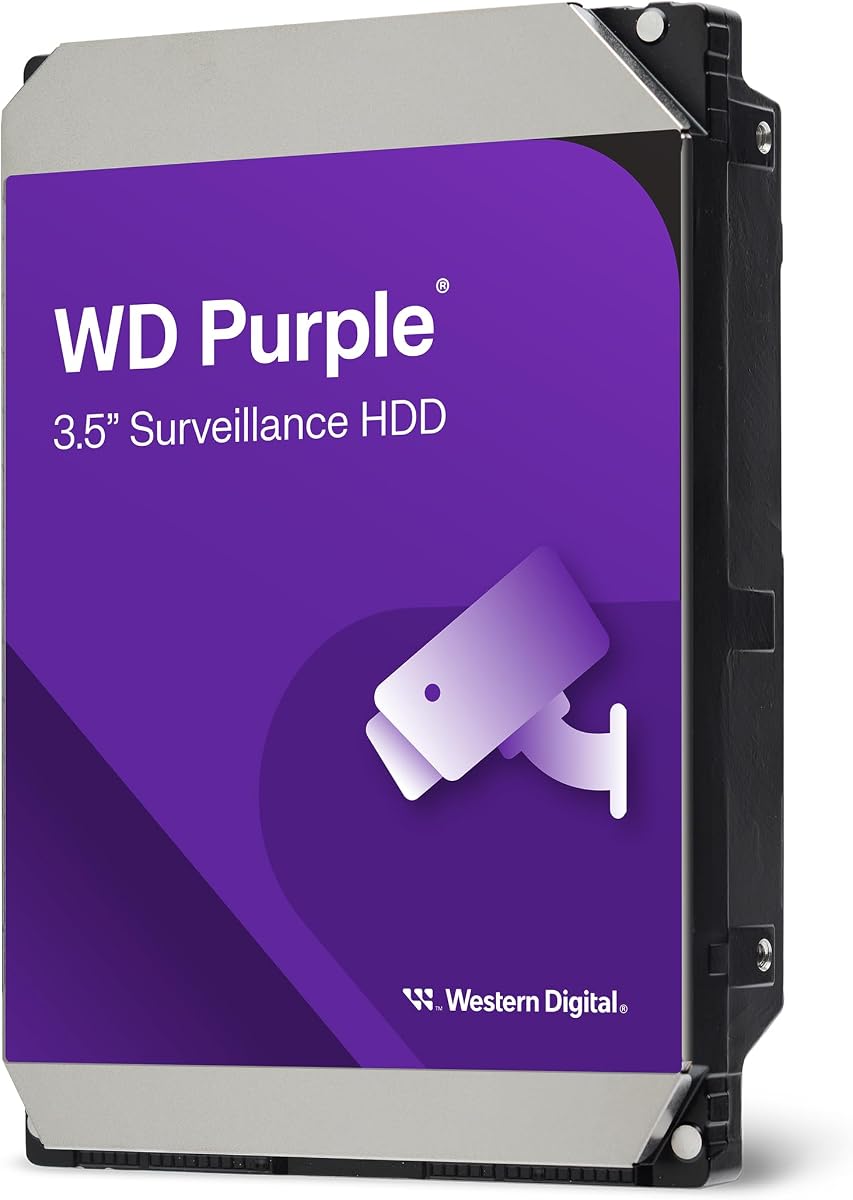
This drive is specifically engineered for surveillance systems making it ideal for continuous recording. Its AllFrame technology optimizes performance for write-intensive workloads. This ensures smooth video capture without frame loss during high traffic.
We may earn a commission when you buy through this link, at no additional cost to you.
The workload rate of up to 180 TB per year is three times higher than standard desktop drives. This durability supports heavy use cases like multi-camera setups. It also supports up to 16 bays in RAID configurations offering scalability.
While designed for large NAS systems it can be adapted for compatible homebase units. The tarnish-resistant components enhance longevity in varying environmental conditions. Users must ensure their device has a 3.5 inch drive bay for installation.
Choose this drive if you prioritize surveillance-specific reliability over cost. It handles continuous write operations better than general-purpose drives. Verify your Homebase model supports 3.5 inch drives before buying.
WD AllFrame technology delivers optimizations for write-intensive, low bit-rate, high stream-count workloads typical to mainstream surveillance applications.
Supports up to 180 TB/yr workload rate ensuring reliability under continuous video recording conditions.
We may earn a commission when you buy through this link, at no additional cost to you.
This Seagate drive offers massive storage in a compact 2.5 inch form factor. It is proven reliable for desktops and can be adapted for compatible homebase setups. The capacity allows storing months of footage without needing to replace drives.
We may earn a commission when you buy through this link, at no additional cost to you.
BarraCuda technology is backed by 20 years of innovation ensuring dependability. It supports a variety of capacities and form factors for flexible integration. The 5400 RPM speed is suitable for sequential video writes.
The main limitation is physical size compatibility with your Homebase enclosure. If your unit supports 2.5 inch drives this offers great value. Users should check physical dimensions and interface requirements carefully.
Buy this drive if you need high capacity in a smaller footprint. It balances performance and storage efficiently. Ensure your power supply and connections match the drive specifications.
Store more with proven reliability of BarraCuda internal hard drives suitable for nearly every PC application.
2.5 Inch form factor allows for flexible integration into various desktop and laptop configurations.
We may earn a commission when you buy through this link, at no additional cost to you.
This drive is designed for mobile computers but works well for home storage. Its 7mm thin design and light weight make it easy to install. It offers a cost-effective solution for users needing 1TB of space.
We may earn a commission when you buy through this link, at no additional cost to you.
It enables drop-in capacity transitions without the weight of traditional drives. The standard SATA 6Gb/s interface ensures compatibility with most systems. It can store up to 200,000 photos or 124 hours of HD video.
While not optimized for heavy workloads it serves basic recording needs. The available capacity may vary slightly based on formatting. Users should consider this for secondary storage or light monitoring.
Choose this drive for entry-level setups where budget is key. It is simple to install and compatible with standard ports. Verify voltage requirements for your specific Homebase unit.
Seagate's highest capacity thin 7mm laptop drives available at 1TB and 2TB capacities.
Standard SATA 6Gb/s interface allows easy integration into existing mobile or desktop designs.
We may earn a commission when you buy through this link, at no additional cost to you.
This drive provides extensive storage for users with large video archives. Its 8TB capacity reduces the need for frequent drive replacements. The 4.7 rating indicates high user satisfaction with performance.
We may earn a commission when you buy through this link, at no additional cost to you.
It supports sustained transfer rates of 190MB/s ensuring smooth data handling. The drive is backed by 20 years of innovation and reliability. It fits desktop setups well and uses standard SATA 6 Gb/s interfaces.
Due to its size and power needs check your enclosure constraints carefully. It is ideal for setups requiring long-term retention of footage. Installation is straightforward thanks to Frustration Free Packaging.
Recommend this for power users needing maximum storage. It handles high volume writes efficiently. Ensure your power supply meets requirements before installation.
Sustained transfer rate of 190MB/s allows fast data access and efficient file transfers.
Store more and do it confidently with high capacity suitable for desktop setups.
We may earn a commission when you buy through this link, at no additional cost to you.
This Skyhawk drive is custom-built for surveillance applications ensuring stable recording. Its Image Perfect firmware delivers crisp clear video workloads. The drive handles write-intensive surveillance systems better than desktop drives.
We may earn a commission when you buy through this link, at no additional cost to you.
Rotational vibration sensors help maintain performance in multi-drive systems. It supports up to 10TB capacity for thousands of hours of HD video. The workload rating is three times higher than standard drives.
While powerful it requires specific power and physical space. Users should check compatibility with their Homebase model. The packaging is frustration-free making setup easier.
Choose this for reliable video storage. It is designed for continuous operation. Verify power and interface requirements before purchasing.
Custom-built for surveillance applications with Image Perfect firmware for crisp clear 24×7 video workloads.
Rotational vibration sensors help maintain performance in RAID and multi-drive systems.
We may earn a commission when you buy through this link, at no additional cost to you.
This drive is designed for demanding surveillance systems with Drive Health Management. The 256MB cache helps smooth out data bursts during recording. It is part of the Skyhawk line known for stability.
We may earn a commission when you buy through this link, at no additional cost to you.
It supports up to 10TB capacity and handles 24×7 workloads reliably. The rotational vibration sensors protect performance in multi-drive environments. Image Perfect firmware ensures crisp clear video capture.
The high cost is justified by reliability and features. Users must verify physical and power compatibility. It offers peace of mind for critical security needs.
Recommend this drive for premium surveillance setups. It balances capacity and features. Check your Homebase specs before buying.
Drive Health Management ensures reliability and performance monitoring for continuous recording systems.
256MB Cache provides improved performance for handling data bursts.
We may earn a commission when you buy through this link, at no additional cost to you.
This drive offers a smaller capacity version of the Skyhawk line. It is ideal for entry-level surveillance needing reliable recording. The drive includes Drive Health Management for long-term performance.
We may earn a commission when you buy through this link, at no additional cost to you.
It supports 24×7 workloads with Image Perfect firmware. The 64MB cache ensures smooth data transfer. Rotational vibration sensors maintain performance in multi-drive setups.
The lower capacity might require regular backups or management. Users should assess storage needs carefully. It is reliable for its intended purpose.
Choose this for basic surveillance needs. It is cost effective for 2TB storage. Check compatibility with your Homebase model.
Image Perfect firmware delivers crisp clear video workloads for reliable recording.
Maximum 180TB/year workload rating ensures reliability under continuous use.
We may earn a commission when you buy through this link, at no additional cost to you.
This drive is designed for advanced surveillance systems with AI capabilities. It supports up to 64 HD cameras and 32 AI channels. The workload limit of 550TB/year is exceptionally high.
We may earn a commission when you buy through this link, at no additional cost to you.
It features CMR recording technology and helium design for efficiency. Rescue Data Recovery Services offer protection for three years. The MTBF of 2.5 million hours indicates extreme durability.
While robust it may be overkill for standard setups. Ensure your system supports its power and interface. The high price reflects its advanced features.
Recommend for AI camera setups requiring maximum reliability. It ensures performance and efficiency. Verify compatibility before purchase.
Optimized performance supports up to 64 HD cameras and 32 AI channels ensuring smooth recording and analysis.
Designed for 24/7 operation with a workload rate limit of 550TB/year and MTBF of 2.5 million hours.
We may earn a commission when you buy through this link, at no additional cost to you.
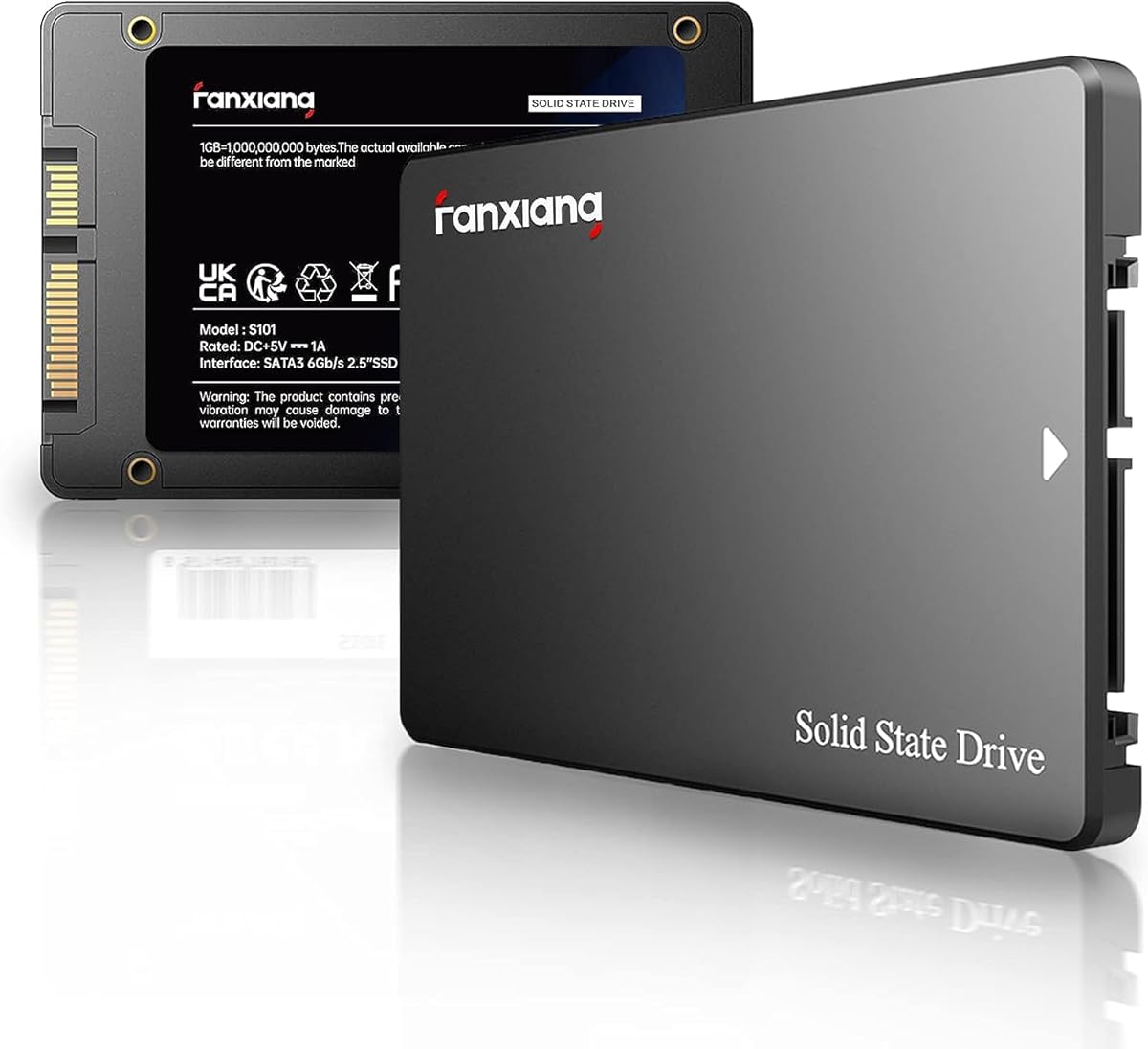
This SSD offers blazing read and write speeds compared to HDDs. It is ideal for users needing quick access to stored data. The 1TB capacity provides a good balance of speed and space.
We may earn a commission when you buy through this link, at no additional cost to you.
It boots up 50% faster than traditional hard drives ensuring productivity. The 3D NAND TLC chips offer a longer lifespan than QLC. It is compatible with desktops laptops and all-in-one PCs.
While fast it may not suit continuous recording due to write cycles. It is better suited for active storage and retrieval. Users should assess usage patterns before buying.
Choose this for performance and quick access. It is reliable for general storage. Ensure your system supports SATA III.
The fanxiang 1TB SSD achieves blazing read and write speeds of 520MB/s facilitating rapid file transfers.
Incorporates 3D NAND TLC chips offering a longer lifespan in writes compared to QLC.
We may earn a commission when you buy through this link, at no additional cost to you.
Selecting the right drive requires understanding capacity speed and compatibility with your security system. Below are key factors to consider before purchasing.
Capacity determines how much footage you can store before overwriting. For continuous recording consider drives with higher TB ratings like 2TB or 4TB to extend retention periods.
Higher capacity drives reduce the frequency of storage management but cost more. Assess your daily footage usage to find the right balance.
Homebase units may support 2.5 inch or 3.5 inch drives. Verify your device specifications to ensure physical compatibility before choosing a drive type.
2.5 inch drives are compact but often slower. 3.5 inch drives offer better performance but require more power and space.
Drives built for surveillance like Skyhawk or Purple handle continuous writes better than general drives. Look for features like Image Perfect firmware for stable video recording.
Surveillance drives often have higher workload ratings and error correction which prevents data loss during heavy use.
SATA 6Gb/s is the standard interface for most drives. Faster transfer rates ensure video streams are saved without lag or dropped frames.
SSDs offer faster speeds but may not be suitable for 24/7 recording due to wear. HDDs provide better value for continuous use.
Workload rating indicates how much data the drive can handle annually. Surveillance drives often support up to 180TB/yr while desktop drives are lower.
Select a drive with a workload rating matching your usage to ensure longevity and reliability.
Look for drives with proven reliability and warranties from reputable brands. Higher ratings and positive user reviews are indicators of trust.
Warranty coverage can protect your investment against early failures especially for critical security systems.
Drives vary in power draw. Ensure your Homebase unit can supply sufficient power especially for 3.5 inch drives.
High power drives may need external power sources. Check specifications before installation to avoid issues.
Ensure the drive firmware and features work with your specific Homebase model. Some systems have specific requirements for storage.
Check vendor support resources and community forums for confirmed compatibility before buying.
Install the drive by disconnecting power and accessing the drive bay. Follow manufacturer instructions for proper mounting and connection of SATA cables.
Format the drive using the Homebase interface or compatible software. Ensure you back up any existing data before formatting to prevent loss.
Regularly check drive health through your system software. Keep firmware updated and maintain proper ventilation to prevent overheating and extend lifespan.
Not all drives work with every Homebase model. Ensure the drive matches the supported interface such as SATA and physical form factor requirements of your unit.
External drives may work depending on connectivity options. Check if your Homebase supports USB or internal SATA connections for external storage compatibility.
It depends on camera count and resolution. Higher resolution and more cameras require more storage. Plan for at least 1TB to 4TB for typical setups.
HDDs use spinning disks and are better for continuous recording. SSDs are faster but may wear out quicker under constant write cycles.
Replace drives when they show signs of failure or after several years. Regularly monitor health alerts and backups to determine when replacement is needed.
Yes firmware optimizations like Image Perfect enhance video recording performance. Ensure your drive firmware is up to date for best results.
We recommend the Western Digital 1TB Blue Mobile for balanced performance and value. For surveillance needs consider the Seagate Skyhawk series with optimization.
Prioritize capacity and reliability based on your recording needs. Ensure your Homebase model supports the drive type and power requirements.
Prices and availability change so verify current details before purchasing. Choosing the right drive ensures your security system remains reliable.