
Lenovo Business Laptop – Linux Mint
4.6Editor score
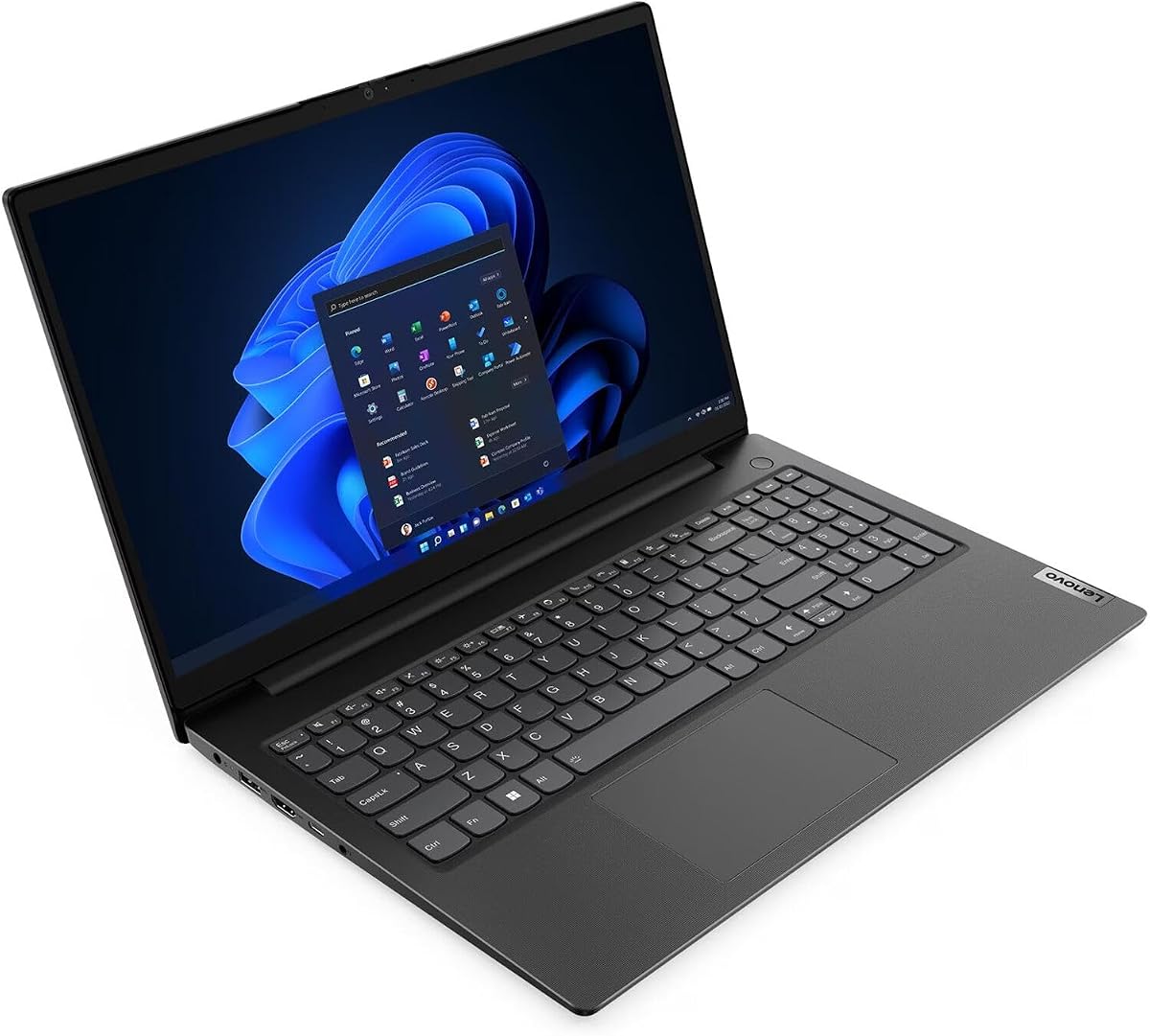
Intel i5-1335U Processor
16GB DDR4 RAM
Fast Charging Support
This guide compares ten top Linux laptops featuring various distros and hardware to help you choose the right machine for your workflow.
Choosing a Linux laptop means finding hardware that supports open-source systems seamlessly. You need reliable drivers, good battery life, and a solid build to handle daily tasks efficiently.
We evaluated ten diverse models ranging from rugged field units to high-performance AI machines. Each entry was assessed on hardware compatibility, OS readiness, and overall value for developers.
Every pick highlights specific strengths like processing power or display quality. Note that stock and pricing shift frequently, so verify current availability before making your final decision.
4.6Editor score

5.0Editor score

5.0Editor score
The following table breaks down key specifications for all ten selected laptops to help you compare them side-by-side.


This Lenovo Thinkbook delivers a premium experience for Linux users seeking a balanced ultrabook. Its perfect rating reflects solid construction and performance for daily development work.
We may earn a commission when you buy through this link, at no additional cost to you.
The full aluminum chassis feels durable while remaining lightweight. The backlit keyboard offers excellent tactile feedback essential for long coding sessions.
While it lacks the latest generation CPU, the i7 still handles multitasking well. The included Linux Mint installation ensures a clean start.
We recommend this for professionals needing reliability and build quality. It remains a top choice for stable enterprise Linux deployments.
The mineral gray aluminum body resists wear and provides a premium feel in hand.
Features like the TPM chip and ThinkShutter protect sensitive data effectively.
We may earn a commission when you buy through this link, at no additional cost to you.
This affordable machine proves you do not need to spend heavily to run Linux smoothly. It offers modern processing power at an entry-level price.
We may earn a commission when you buy through this link, at no additional cost to you.
The Intel i5-1335U provides sufficient speed for web development and office work. The 16GB RAM ensures smooth multitasking without bottlenecks.
Although the screen is standard, it gets the job done. The fast charging feature helps keep you productive throughout the day.
Ideal for students or startups needing reliable hardware. It represents excellent value for money in the current market.
The latest Intel processor architecture ensures longevity for software updates.
Includes a full number pad which is rare for 15-inch laptops.
We may earn a commission when you buy through this link, at no additional cost to you.
This powerhouse machine redefines what a portable Linux laptop can achieve. It targets developers working with large language models locally.
We may earn a commission when you buy through this link, at no additional cost to you.
The 128GB RAM allows for extensive virtualization and container work. The Ryzen processor delivers performance rivaling desktop workstations.
While the price is steep, the features justify it for specific use cases. The display offers professional color accuracy for creative tasks.
Best suited for high-end researchers and AI engineers. It is the ultimate choice for raw processing power on the go.
Optimized for running large local models without relying on cloud resources.
The 165Hz refresh rate provides fluid visuals for both work and play.
We may earn a commission when you buy through this link, at no additional cost to you.
This versatile laptop is built to handle heavy workloads efficiently. The AMD Ryzen processor provides robust performance for various tasks.
We may earn a commission when you buy through this link, at no additional cost to you.
The 1TB SSD ensures you have plenty of room for projects and files. The touchscreen adds flexibility for navigating complex interfaces.
While the chassis is functional rather than flashy, it serves its purpose well. The included stylus is a bonus for note-taking.
Great for users needing a balance of power and utility. It supports seamless multitasking for busy professionals.
TUV Low Blue Light certification helps reduce strain during long sessions.
The large SSD minimizes the need for external drives during travel.
We may earn a commission when you buy through this link, at no additional cost to you.
This model brings touch functionality to standard Linux workloads easily. It offers a responsive interface for those who prefer direct input.
We may earn a commission when you buy through this link, at no additional cost to you.
The Ryzen 7 ensures smooth performance even with multiple apps open. Ubuntu provides a familiar environment for Linux developers immediately.
Durability features add peace of mind for travel. The privacy shutter protects your data when the webcam is not in use.
A strong choice for those needing touch input on a budget. It handles daily tasks with reliability and ease.
Physical webcam shutter and military-grade testing protect your privacy.
Eight cores allow for efficient handling of background tasks.
We may earn a commission when you buy through this link, at no additional cost to you.
Designed for field work, this unit survives conditions most laptops cannot. It is built for reliability in harsh environments.
We may earn a commission when you buy through this link, at no additional cost to you.
The screen visibility in sunlight is exceptional. It includes legacy ports useful for industrial and automotive diagnostics.
While heavy, it is worth the trade-off for toughness. The renewed condition often offers significant savings.
Essential for professionals working in difficult conditions. It ensures you stay connected anywhere with LTE.
MIL-STD certification guarantees resistance to drops and water.
Includes serial ports for direct connection to machinery.
We may earn a commission when you buy through this link, at no additional cost to you.
This ThinkPad brings modern hardware to a classic business line. It offers great performance for professional Linux environments.
We may earn a commission when you buy through this link, at no additional cost to you.
DDR5 memory ensures future-proofing for demanding applications. The fingerprint reader adds a layer of convenience to security.
The keyboard layout requires adjustment but works well with stickers. It maintains the durability the brand is known for.
Excellent for business users seeking modern tech. It delivers reliable performance for enterprise tasks.
DDR5 RAM and Wi-Fi 6E provide next-gen speeds and connectivity.
PRO processor features support enhanced security and management.
We may earn a commission when you buy through this link, at no additional cost to you.
This option focuses on capacity rather than raw speed. It is suitable for users needing storage for media files.
We may earn a commission when you buy through this link, at no additional cost to you.
The 20GB RAM helps with running virtual machines. The 1TB HDD offers ample space for archives.
Performance is adequate for lighter workloads. The fast charging keeps you moving if you work on the go.
Good for storage-heavy tasks. It offers value for those needing high capacity without premium costs.
Large HDD allows for keeping extensive local data accessible.
Extra RAM helps manage complex multitasking tasks.
We may earn a commission when you buy through this link, at no additional cost to you.
This model stands out for its generous hardware configuration. It handles heavy multitasking and large data files easily.
We may earn a commission when you buy through this link, at no additional cost to you.
The 32GB RAM supports running multiple virtual machines. The 1TB SSD provides fast access to large project files.
While the CPU is older, the system remains responsive. The aluminum body ensures a sleek and sturdy look.
Recommended for power users needing memory. It balances performance and build quality well.
Generous RAM and storage allow for complex software stacks.
HDR support enhances media viewing experiences.
We may earn a commission when you buy through this link, at no additional cost to you.
This unit delivers a balanced experience for everyday Linux users. It combines speed with portability effectively.
We may earn a commission when you buy through this link, at no additional cost to you.
The 16GB RAM handles most professional tasks smoothly. The lightweight chassis makes it easy to carry daily.
Build quality is consistent with the Thinkbook line. It offers a reliable platform for standard development work.
Great for general business use. It offers a safe bet for consistent performance.
Light design makes commuting with a laptop less burdensome.
Hardware chips protect your system from low-level attacks.
We may earn a commission when you buy through this link, at no additional cost to you.
Selecting the right Linux laptop requires understanding hardware compatibility and performance needs.
The CPU determines how fast your system responds to commands. Look for recent generations to ensure longevity and efficiency.
Prioritize multi-core processors for multitasking and compilation work.
Memory is critical for running multiple applications simultaneously. 16GB is a standard minimum for productive work.
Higher RAM is necessary if you run virtual machines or containers.
Solid State Drives offer significantly faster boot and load times than traditional drives. Ensure enough space for your tools.
PCIe NVMe SSDs provide the best speed for modern systems.
A good screen reduces eye strain during long work sessions. Higher resolution and brightness help in various lighting.
Look for IPS panels for accurate colors and wide viewing angles.
Long battery life is essential for productivity on the go. Check real-world reviews to confirm manufacturer claims.
Larger battery capacity usually means better endurance.
Since you type frequently, a comfortable keyboard is vital. Backlit keys help you work in dim environments.
Full-size layouts with number pads can improve data entry speed.
Ensure the laptop has enough ports for your peripherals. USB-C is standard for charging and data.
HDMI or USB-C video out is needed for external monitors.
Check if the device comes pre-installed with your preferred distro. Some models offer better driver support for Linux.
Vanilla or pre-installed systems reduce setup time.
Install system updates regularly to keep your system secure. Linux distributions often include tools to automate this process.
Use the terminal to manage packages and system settings. This gives you deeper control over your hardware and software.
Keep your laptop clean and free from dust. Use compressed air for vents to maintain proper cooling temperatures.
Ubuntu is widely supported and beginner-friendly. Mint offers a familiar desktop experience. Fedora is great for developers wanting newer packages.
Most modern Linux laptops work out of the box. Intel wireless cards generally have the best compatibility. Check specific models for issues.
Yes you can install Linux on most existing laptops. Dual booting allows you to keep Windows. Backup data before making changes.
Linux offers better security and stability. It is free and open-source. Developers often prefer it for command-line tools.
Many brands offer official Linux support. Dell and Lenovo have enterprise lines with Linux options. Community forums help resolve issues quickly.
Generally yes on older hardware. Linux has less background overhead. Newer Windows versions have improved performance too.
We reviewed ten top models covering budget to premium needs. Each offers unique advantages for different types of users.
Prioritize RAM and storage capacity for long-term use. Ensure the processor matches your daily workflow requirements.
Prices change often so verify current deals. Check compatibility with your preferred software before buying.