
ASUS ProArt PA32QCV
3.9Editor score
Factory calibrated color
Thunderbolt 4 support
Auto KVM switch
Finding the right display for your workstation requires balancing resolution, color fidelity, and connectivity options. A 32 inch 6K monitor offers exceptional pixel density and sharpness for demanding creative workflows and immersive gaming experiences.
We evaluated leading models based on panel technology, refresh rates, color gamut coverage, and port availability. This list includes top picks from major brands like LG, ASUS, Samsung, Dell, and specialized manufacturers offering unique features.
Each pick highlights key strengths and potential trade-offs to help you decide based on your specific needs. Prices and availability fluctuate frequently, so verify current details before making a final purchase decision.
3.9Editor score

3.8Editor score

4.6Editor score
As an Amazon Associate we earn from qualifying purchases.
The following comparison table provides a side-by-side overview of key specifications for all ten selected models to help you quickly identify the best fit for your setup.


The LG 32U990A-S stands out as a top choice for creative professionals needing high resolution and accurate color. It boasts 6K resolution with 224 PPI for incredible sharpness.
We may earn a commission when you buy through this link, at no additional cost to you.
It features Thunderbolt 5 for faster data transfer and Daisy Chain support for multi-monitor setups. Nano IPS Black technology improves contrast significantly over standard IPS panels.
While the price is high and the 60Hz refresh rate isn't ideal for gaming, it excels in video editing and graphic design. The stand offers full ergonomic adjustments.
If you prioritize color fidelity and resolution for professional workflows, this monitor delivers exceptional value. It is a strong investment for serious creatives.
With 99.5% Adobe RGB coverage and Real 10-bit color depth, this monitor ensures precise color reproduction for print and digital projects.
Thunderbolt 5 provides ultra-fast transfer speeds and 96W power delivery, simplifying connections for Mac and Windows laptops.
We may earn a commission when you buy through this link, at no additional cost to you.
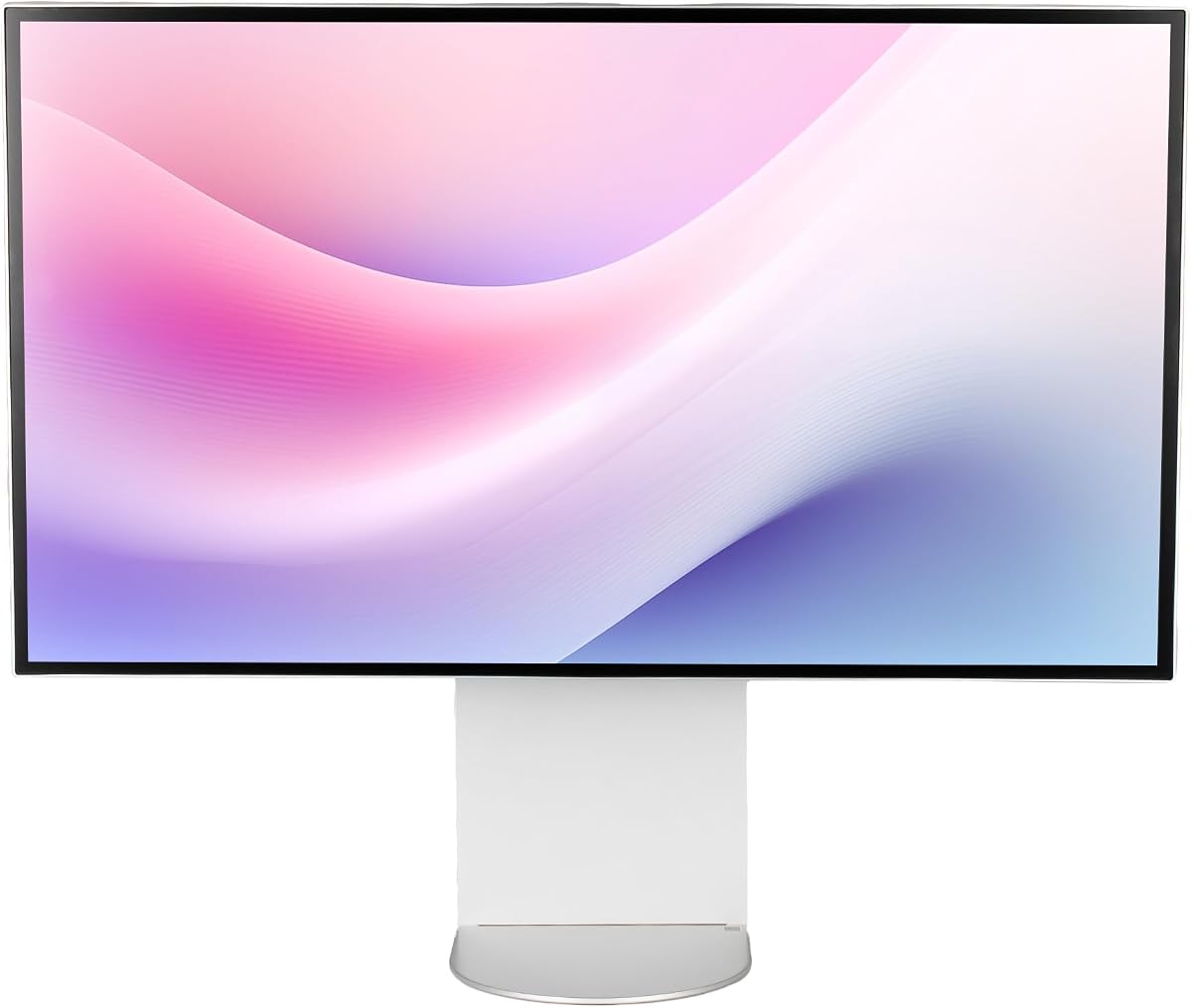
The ASUS ProArt PA32QCV offers excellent value for users seeking professional color accuracy without the highest price tag. It features factory calibration with Delta E < 2.
We may earn a commission when you buy through this link, at no additional cost to you.
Its MacBook Color Matching preset ensures seamless workflow integration with Apple devices. The built-in Auto KVM switch simplifies control between two connected computers.
While it uses Thunderbolt 4 instead of 5, it still provides sufficient speed for most workflows. The 5-year warranty adds significant peace of mind.
This monitor is ideal for designers and editors who need reliable color consistency. It balances performance and cost effectively for professional teams.
The dedicated MacBook Color Matching preset ensures that colors on your external monitor match your laptop screen perfectly.
An extended 5-year warranty covers the panel and electronics, making this a cost-effective choice for businesses.
We may earn a commission when you buy through this link, at no additional cost to you.
The G32P 32 Inch Glossy is designed for those who value aesthetics as much as performance. Its CNC-machined aluminum body with a honeycomb finish looks premium.
We may earn a commission when you buy through this link, at no additional cost to you.
With 99% DCI-P3 coverage and 500-nit brightness, it delivers vibrant colors suitable for both work and entertainment. The glossy finish enhances contrast.
While it lacks a stand and requires a VESA mount, this allows flexibility for custom setups. The build quality ensures durability and a sleek look.
This monitor is perfect for high-end studios or home offices where design matters. It offers a unique blend of style and technical performance.
The CNC-machined aluminum body provides robust durability and a sophisticated appearance that elevates any desk setup.
Factory calibration and 99% DCI-P3 coverage ensure lifelike colors for professional editing and immersive media consumption.
We may earn a commission when you buy through this link, at no additional cost to you.
The Samsung Odyssey G8 is a gaming-focused 6K monitor that offers a unique Dual Mode feature. You can switch between 6K at 165Hz and 3K at 330Hz.
We may earn a commission when you buy through this link, at no additional cost to you.
Its Fast IPS panel ensures vivid colors and a 1ms response time to reduce motion blur. HDR10+ Gaming optimizes brightness and contrast for dynamic visuals.
While native 6K at highest refresh is not available, the Dual Mode is a practical solution. It balances resolution and speed well for gamers.
If you need high refresh rates alongside high resolution for gaming, this monitor is a strong candidate. It delivers smooth gameplay and sharp visuals.
Switch effortlessly between 6K for detailed work and 3K at 330Hz for ultra-smooth competitive gaming.
G-SYNC Compatible and AMD FreeSync Premium reduce screen tearing and stuttering for a seamless gaming experience.
We may earn a commission when you buy through this link, at no additional cost to you.
The Dell UltraSharp U3224KB focuses on productivity with its high resolution and USB-C connectivity. It offers 6144 x 3456 resolution for clear text.
We may earn a commission when you buy through this link, at no additional cost to you.
With 450 Nit brightness, it performs well in well-lit environments. USB Type-C allows quick data transmission and simplifies cable management.
While color data is limited in the specs, Dell is known for reliable displays. It is suitable for office work and general media consumption.
If you need a dependable monitor for multitasking and daily tasks, this model fits well. It prioritizes clarity and connectivity.
The high resolution allows you to view more windows and details simultaneously, boosting your workflow efficiency.
USB-C enables quick data transmission and single-cable charging, reducing desk clutter.
We may earn a commission when you buy through this link, at no additional cost to you.
This bundle includes the LG UltraFine evo monitor along with cable ties and a screen cleaning kit. It offers the same specs as the base model with added convenience.
We may earn a commission when you buy through this link, at no additional cost to you.
With Thunderbolt 5 and KVM functionality, it supports multi-system environments efficiently. The display delivers studio-grade color accuracy and HDR performance.
The bundle price is higher but includes useful accessories for maintenance. It is a good choice if you want everything in one package.
For professionals who want a complete setup with the latest connectivity, this bundle is ideal. It simplifies the initial purchase process.
Cable ties and a cleaning kit are included, saving you time and money on essential setup tools.
Thunderbolt 5 delivers 80Gbps data transfer and 96W power delivery for a streamlined workstation.
We may earn a commission when you buy through this link, at no additional cost to you.
The G32X offers a perfect user rating and a sleek minimalist design. It features 500-Nit brightness for HDR content and high contrast.
We may earn a commission when you buy through this link, at no additional cost to you.
With a 100W high-speed port, it can charge most laptops while delivering video. The stand includes height adjustment and pivot options.
While it is from a less known brand, the specs are solid and the rating suggests high user satisfaction. It includes universal mount compatibility.
If you prefer a clean aesthetic and need high power delivery for your laptop, this monitor is a strong choice. It meets basic needs.
The 100W port allows you to charge your laptop and transmit video through a single cable, reducing clutter.
Height, tilt, swivel, and pivot adjustments help you find a comfortable viewing position.
We may earn a commission when you buy through this link, at no additional cost to you.
This Dell bundle includes an extended 2-year protection plan, offering peace of mind. It features the same U3224KB specs with 6K resolution.
We may earn a commission when you buy through this link, at no additional cost to you.
USB Type-C allows quick data transmission and convenient connectivity. The package includes necessary cables like Thunderbolt 4 and Mini DisplayPort.
While the monitor itself has average ratings, the protection pack adds value for businesses. It reduces risk of downtime and repair costs.
If you prioritize warranty coverage alongside performance, this bundle is a smart choice. It ensures long-term reliability for your investment.
The 2-year extended protection plan covers defects and reduces worry about potential technical issues.
Cables including Thunderbolt 4 and Mini DisplayPort are included, so you can start using it immediately.
We may earn a commission when you buy through this link, at no additional cost to you.
The ALOGIC Clarity Touch is the world's first 6K touchscreen monitor. It allows intuitive multitouch controls like pinch to zoom on macOS and Windows.
We may earn a commission when you buy through this link, at no additional cost to you.
The included Active Stylus offers 4096 levels of pressure sensitivity, perfect for artists and architects. It comes with a Fold Stand for versatile orientation.
While it is expensive, the touch capabilities are unique in the 6K class. Color accuracy is excellent with Delta E < 1.
If you need direct touch input on a large high-resolution canvas, this monitor is unmatched. It bridges the gap between tablet and desktop.
Navigate your PC or Mac like a large tablet with precise touch control and pinch-to-zoom gestures.
The included stylus provides pressure sensitivity ideal for digital drawing, sketching, and annotation.
We may earn a commission when you buy through this link, at no additional cost to you.
This LG Ultrafine model offers essential 6K features at a competitive entry point. It features Nano IPS technology for wide viewing angles and HDR 600.
We may earn a commission when you buy through this link, at no additional cost to you.
With USB-C and VESA mount compatibility, it fits well into custom setups. The 60Hz refresh rate is standard for professional tasks.
While it lacks advanced features like Thunderbolt 5, it provides solid color performance and clarity. It is good for those needing resolution on a budget.
If you need a reliable 6K monitor without extra bells and whistles, this is a solid option. It covers the basics effectively.
HDR 600 certification provides brighter highlights and better contrast for compatible content.
VESA 100 x 100mm mounting allows flexible positioning with arms or alternative stands.
We may earn a commission when you buy through this link, at no additional cost to you.
Selecting the right monitor requires careful consideration of your specific workflow needs and budget constraints.
Resolution determines the clarity of text and images on screen. A 32-inch 6K monitor typically offers 6144 x 3456 pixels, providing roughly 224 PPI for ultra-sharp details.
Higher pixel density reduces the need for scaling and allows you to fit more content on the screen simultaneously.
IPS panels are preferred for professional work due to wide viewing angles and consistent color. Nano IPS or OLED variants may offer higher contrast and deeper blacks.
Choose a panel that aligns with your visual demands, especially for color grading and photo editing tasks.
Look for monitors with high DCI-P3 and Adobe RGB coverage. Factory calibration with Delta E < 2 ensures accurate out-of-the-box performance.
Color accuracy is essential for creators to trust that what they see matches their final output.
Thunderbolt 5 or 4 provides high bandwidth for data and video, along with power delivery. USB-C hubs and HDMI 2.1 add versatility.
Ensure the monitor has the ports needed for your laptop, storage drives, and peripherals.
While most 6K monitors focus on 60Hz for productivity, some offer higher refresh rates for gaming. Fast response times reduce motion blur.
If gaming is a priority, prioritize models with Dual Mode or high refresh specifications.
Adjustable stands that offer tilt, height, pivot, and swivel help prevent strain during long work sessions. VESA mount compatibility allows alternative arm setups.
Comfortable positioning is key for maintaining health and productivity throughout the day.
Extended warranties provide peace of mind against defects. Look for brands with a strong reputation for customer service.
A reliable warranty can save money on repairs or replacements in the long run.
Set the display scaling in your OS to ensure text and icons appear at a readable size without sacrificing clarity. Most modern operating systems handle 6K scaling well.
Clean the screen gently using a microfiber cloth and dedicated screen cleaner. Avoid harsh chemicals or abrasive materials that could damage the coating.
Use a surge protector to protect sensitive electronics from power fluctuations. This helps maintain the lifespan of internal components.
6K resolution typically means around 6144 x 3456 pixels, offering significantly more detail than 4K. This extra pixel density allows for sharper text and more screen real estate.
Thunderbolt 5 provides the bandwidth needed for full 6K video at high refresh rates. Thunderbolt 4 may work but often limits resolution or refresh rates.
Most models support macOS natively, especially those with USB-C and Thunderbolt. Check compatibility notes to ensure seamless integration with your laptop.
Many 6K monitors include HDR support such as HDR 600 or HDR10. This enhances contrast and brightness for compatible content.
Creative professionals editing video, photos, or 3D graphics benefit most. It allows full resolution preview and detailed tool access.
Driving a 6K display requires a capable GPU. Ensure your system meets the hardware requirements for optimal performance.
The LG 32U990A-S leads with its Thunderbolt 5 connectivity and Nano IPS Black panel. It sets a high standard for professional workflows.
Choose based on your specific needs. Gamers may prefer Samsung's Dual Mode while creatives benefit from ASUS ProArt calibration.
Verify current availability and specs before buying. Prices can fluctuate and new models may be released at any time.