
SANSUI 34-Inch Curved
4.4Editor score
UWQHD Resolution
200Hz Refresh Rate
AI Blue Light Reduction
Finding the right display is crucial for modern computing workflows. AI Ready Monitors integrate smart features that enhance productivity, reduce eye strain, and optimize visuals automatically. These displays go beyond basic screens to offer intelligent adjustments tailored to your environment and tasks.
We evaluated ten leading models based on resolution, connectivity, and AI capabilities. Our analysis focuses on how each monitor handles smart tasks, color accuracy, and ergonomic design. This list covers a range of sizes and budgets to suit different user needs.
Each pick highlights specific strengths like AI Picture Optimizers or smart home control. These details help you identify the best fit for your workspace. Keep in mind that availability and pricing can fluctuate, so check current listings before purchasing.
4.4Editor score

4.4Editor score

4.3Editor score
As an Amazon Associate we earn from qualifying purchases.
The following table provides a side-by-side comparison of all ten models featured in this guide. It highlights key specifications and unique AI features to help you quickly identify the best option for your specific needs and setup requirements.


The Dell S2725QS stands out as a top choice for users seeking high resolution and comfort. With a 4K IPS panel and 120Hz refresh rate, it delivers crisp visuals suitable for both work and casual gaming. The ComfortView Plus technology reduces harmful blue light effectively.
We may earn a commission when you buy through this link, at no additional cost to you.
Its 99% sRGB coverage ensures vibrant and accurate colors for creative tasks. The ultra-thin bezels create a seamless look when multiple screens are used. Enhanced audio quality adds to the immersive experience without needing external speakers.
However, it lacks advanced AI-driven smart features found in other models. The absence of USB-C connectivity means additional dongles are needed for laptops. These trade-offs are acceptable given the strong display quality and price.
This monitor is ideal for professionals needing reliable color and comfort. It fits well in modern office setups. We recommend it for users prioritizing screen quality over smart functionality.
The 4K resolution and IPS technology provide sharp text and wide viewing angles.
ComfortView Plus and low blue light settings help reduce eye strain during long hours.
We may earn a commission when you buy through this link, at no additional cost to you.
This LG model is excellent for creative workflows needing accurate colors and connectivity. The 95% DCI-P3 coverage ensures true-to-life images. USB-C delivers up to 90W power which charges laptops while transferring data.
We may earn a commission when you buy through this link, at no additional cost to you.
The integrated webOS allows access to streaming apps without a PC. This is useful for breaks or light viewing during work. The ergonomic stand supports height tilt and pivot adjustments for comfort.
While HDR 400 is present it is not as dynamic as higher tiers. Gaming features are basic compared to dedicated gaming monitors. These limitations are minor for most professional users focused on productivity.
It is a solid choice for designers and office workers. The connectivity options simplify desk setups. Consider this if you need a smart display hub alongside a high-quality screen.
The DCI-P3 gamut supports professional color grading and design work.
USB-C provides a single cable solution for power video and data.
We may earn a commission when you buy through this link, at no additional cost to you.
The Samsung ViewFinity S8 offers a massive 40-inch curved display with 5K2K resolution. This provides ample screen real estate for multitasking and data analysis. Thunderbolt 5 supports high-speed data and powerful charging up to 140W.
We may earn a commission when you buy through this link, at no additional cost to you.
The built-in KVM switch allows control of two devices with one keyboard and mouse. This enhances workflow efficiency when using multiple computers. The 144Hz refresh rate keeps motion smooth for general use.
The cost is significantly higher than standard monitors. You also need a compatible PC to leverage the high resolution fully. These factors are worth it for power users needing premium performance.
It is perfect for financial analysts or multi-device users. The ergonomic design aids long-term comfort. Choose this if you want a high-end workstation monitor.
The wide screen supports multiple windows side by side effortlessly.
Thunderbolt 5 ensures fast data transfer and charging speeds.
We may earn a commission when you buy through this link, at no additional cost to you.
This Samsung monitor integrates deeply with smart home ecosystems. The Samsung Vision AI optimizes visuals for different content types like documents or games. Active Voice Amplifier clarifies dialogue in noisy environments.
We may earn a commission when you buy through this link, at no additional cost to you.
You can control smart home devices directly from the screen via a 3D map view. This centralizes management without needing a phone. The Knox security keeps data safe from unauthorized access.
The display panel itself is standard without high refresh rates. It is designed more as a smart appliance than a gaming monitor. This is fine for casual use or home office settings.
It suits users wanting an all-in-one smart display. The privacy and AI features are unique advantages. Consider this for a modern connected workspace experience.
Samsung Vision AI adjusts picture settings automatically for comfort and immersion.
Integrated smart home controls allow device management from the desk.
We may earn a commission when you buy through this link, at no additional cost to you.
This LG model combines a 4K screen with full webOS capabilities. You can stream directly from apps like Netflix without a PC. Dynamic Tone Mapping uses AI to optimize brightness and contrast for better detail.
We may earn a commission when you buy through this link, at no additional cost to you.
It supports AirPlay 2 and Bluetooth for easy device mirroring. The remote control allows seamless navigation through menus. USB-C provides 65W charging which fits most laptops.
Audio is functional but lacks depth for cinema. The remote control can be tricky without prior setup. These issues are minor for users prioritizing smart functionality.
It is great for home offices that double as entertainment centers. The flexibility reduces cable clutter. This is a good choice for versatile desk setups.
Built-in streaming apps remove the need for external devices.
AI-driven tone mapping enhances visual detail in varied lighting.
We may earn a commission when you buy through this link, at no additional cost to you.
This M8 model uses AI upscaling to enhance lower resolution content on a 4K screen. It turns streaming video into near 4K clarity. The Gaming Hub allows playing games without a console directly on the monitor.
We may earn a commission when you buy through this link, at no additional cost to you.
The SolarCell remote is an eco-friendly feature that charges via light. This reduces battery waste. The ergonomic stand offers great adjustability for long sitting sessions.
Smart OS navigation can be slightly slow at times. HDR performance is good but not reference level. These do not hinder overall usability for general tasks.
It is excellent for users who want a standalone smart screen. The AI tech improves viewing quality significantly. Pick this for a versatile entertainment and work display.
NQM AI Processor enhances lower resolution streams to look sharper.
Cloud gaming access eliminates the need for physical consoles.
We may earn a commission when you buy through this link, at no additional cost to you.
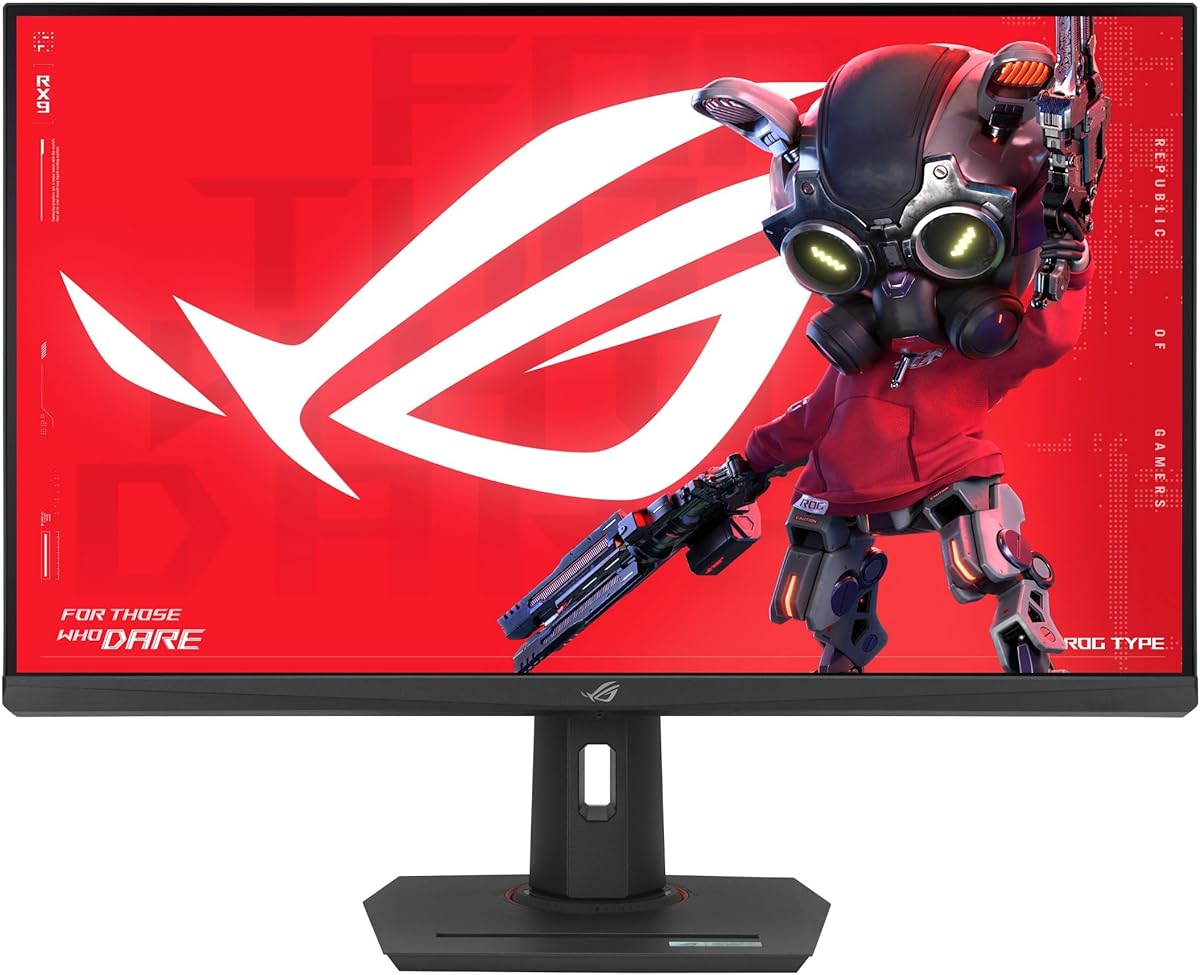
The ASUS ROG XG27ACS delivers high speed performance for competitive gaming. With 180Hz refresh rate and 1ms response time it ensures smooth motion. Fast IPS technology maintains color consistency at angles.
We may earn a commission when you buy through this link, at no additional cost to you.
G-SYNC compatibility reduces screen tearing during intense action. USB-C allows single cable connectivity which keeps the desk tidy. DisplayWidget Center simplifies setting adjustments via mouse.
It lacks general purpose AI smart features found in others. The gamer aesthetic might not suit all office styles. This is acceptable for users focused on gameplay speed.
Ideal for gamers needing a responsive display. It balances speed and image quality well. Choose this if performance is your priority.
180Hz refresh rate ensures fluid visuals in fast-paced games.
1ms response reduces ghosting for precise aiming.
We may earn a commission when you buy through this link, at no additional cost to you.
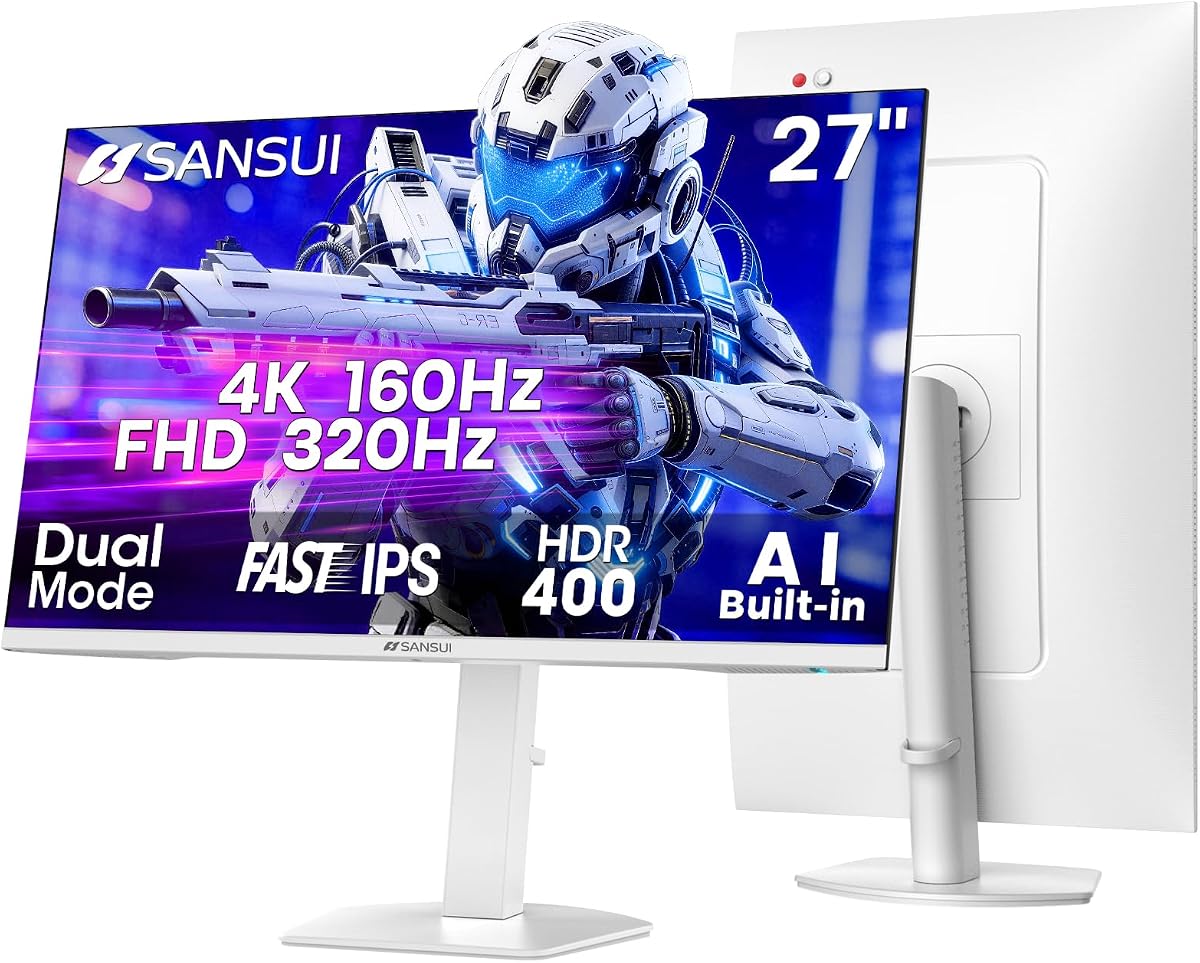
This SANSUI monitor offers great features for a low price. It supports dual modes allowing 4K at 160Hz or FHD at 320Hz. AI Crosshair and Sniper Scope assist with aiming in FPS games.
We may earn a commission when you buy through this link, at no additional cost to you.
AI PQ adjusts color based on scene content for better vibrance. HDMI 2.1 ensures compatibility with next-gen consoles. The stand allows tilt and height adjustments.
The AI features are mostly overlays rather than deep system changes. Build quality is basic compared to premium brands. This is fine for budget-conscious gamers.
It suits gamers seeking high refresh rates without high cost. The flexibility of modes is a strong point. Consider this for a cost-effective gaming setup.
AI Crosshair overlays improve targeting accuracy in shooters.
Switch resolutions to match different gaming needs easily.
We may earn a commission when you buy through this link, at no additional cost to you.
The ROG XG32UCG brings a large 32-inch 4K screen to gaming. It offers dual mode for high speed at lower resolutions. AI Enhanced Gaming features optimize the visual experience automatically.
We may earn a commission when you buy through this link, at no additional cost to you.
Response time is incredibly low at 0.3ms for sharp visuals. Color accuracy is high with 95% DCI-P3 coverage. This balances immersion and visual fidelity.
The price is high which limits general availability. It does not include a smart OS like other brands. This is expected for high-end gaming hardware.
Perfect for sim and strategy gamers needing space. The AI features add subtle enhancements. Choose this if you want a large high-performance screen.
AI Enhanced Gaming adjusts visuals for better performance.
0.3ms response time ensures immediate reaction to input.
We may earn a commission when you buy through this link, at no additional cost to you.
This ultrawide monitor offers a 34-inch curved display for deep immersion. It supports 200Hz refresh rates for smooth motion. AI Blue Light Reduction helps reduce strain during long sessions.
We may earn a commission when you buy through this link, at no additional cost to you.
The 21:9 aspect ratio is excellent for productivity and racing games. AI Crosshair aids aiming in competitive play. VRR support keeps visuals fluid.
The curved design may not suit everyone's desk layout. The OSD is basic compared to premium models. This is a minor trade-off for the price.
It is ideal for immersive gaming and multitasking. The AI eye care is a welcome addition. Pick this for a wide engaging screen.
The ultrawide curved screen wraps around your vision.
AI blue light reduction helps maintain visual comfort.
We may earn a commission when you buy through this link, at no additional cost to you.
Selecting the right AI Ready Monitor requires understanding how smart features integrate with your workflow. This guide breaks down the critical factors to consider before purchasing.
Resolution impacts text clarity and screen real estate. Larger screens like 32 or 40 inches allow more window space. Ensure your PC can handle the resolution for smooth performance.
Higher resolutions offer sharper text but require more power.
AI features range from picture optimization to voice amplification. Check if the monitor offers specific tools like AI Crosshair or Active Voice Amplifier. These can enhance focus and reduce setup steps.
Look for AI that automates tasks to save time.
Refresh rate determines how smooth motion appears on screen. Gamers should aim for 144Hz or higher. Response time ensures minimal ghosting in fast scenes.
Fast refresh rates are essential for competitive play.
USB-C is vital for laptops needing single cable power and video. HDMI 2.1 supports next-gen consoles. Multiple ports allow connecting several devices without dongles.
Choose monitors with versatile ports for flexibility.
Color gamut coverage like DCI-P3 matters for creative work. HDR support enhances contrast and brightness. Ensure the monitor meets your visual standards for images.
Wide color gamuts ensure faithful image reproduction.
Adjustable stands support height tilt and pivot. Proper ergonomics reduce neck strain. VESA mount compatibility allows using wall or arm mounts.
Adjustable stands improve comfort for long sessions.
Eye care features like blue light filters reduce strain. Flicker-free technology prevents headaches during long use. These are critical for daily office work.
Prioritize eye comfort features for health.
Prices vary widely based on features and brand. Check warranty terms for coverage duration. Higher priced models often include better support.
Balance features with your available budget.
Start by calibrating the display settings to match your room lighting. Use built-in tools like AI Picture Optimizer to set the right mode for your tasks.
Clean the screen gently with a microfiber cloth to avoid scratches. Avoid using harsh chemicals that could damage the coating. Turn off the monitor before cleaning to ensure safety.
Update firmware regularly to access new smart features. Monitor software updates often bring improvements to AI logic and connectivity.
An AI Ready Monitor uses onboard processors to optimize display settings automatically. Features like brightness control or noise filtering adapt to your environment without manual input.
Smart monitors often function independently with their own OS. This means you can stream content or use apps without a PC connected, saving resources on your machine.
AI upscaling analyzes low-resolution content and adds detail to match higher resolutions. This improves image clarity by filling in missing pixels with intelligent algorithms.
Most brands include security layers to protect data. Monitors with secure enclaves ensure that personal info remains safe from external access.
Yes many smart monitors support streaming apps and HDMI inputs. They are often better positioned for desks while still serving as living room screens.
Basic display functions work offline. However smart features like streaming or cloud PC access require an active internet connection to function properly.
The top picks in this guide cover various needs from premium productivity to budget gaming. Models like the Dell S2725QS and Samsung ViewFinity S8 lead in specific categories.
Prioritize what matters most to your daily work. If smart control is key choose a Samsung M8 model. If resolution is priority pick a ViewFinity.
Remember to verify current stock and availability before buying. Prices change often so checking listings ensures you get the best deal.