
SAMSUNG QB43R
5.0Editor score
4K UHD Picture Quality
Cisco WebEx Room Kit Compatible
Slim Design for Easy Mounting
Modern businesses rely on high-quality displays to facilitate effective communication and collaboration. A good conference room monitor ensures clear visuals, reliable connectivity, and durability for daily use.
We evaluated ten leading models based on resolution, screen size, connectivity options, and specific conferencing features. This list covers everything from compact 43-inch units to expansive 75-inch displays.
Each pick highlights unique strengths and ideal use cases for different meeting environments. Note that pricing and availability can change frequently, so verify current details before purchasing.
5.0Editor score

4.8Editor score

4.9Editor score
As an Amazon Associate we earn from qualifying purchases.
This side-by-side comparison highlights key specifications and features across the ten selected models to help you identify the best fit for your meeting space requirements.


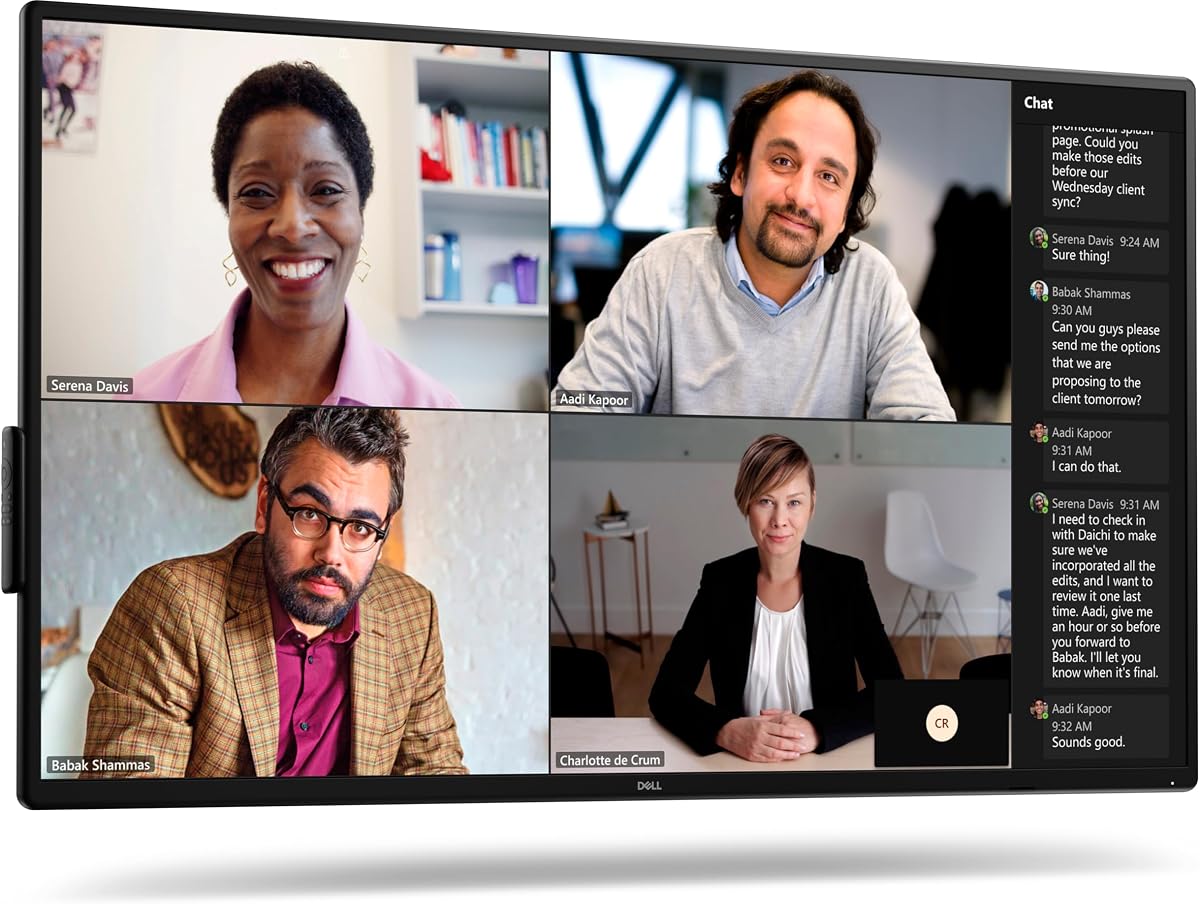


The Dell P5524Q stands out as a robust solution for professional meeting spaces. It delivers consistent visual performance and reliable connectivity options.
We may earn a commission when you buy through this link, at no additional cost to you.
Its 55-inch 4K display provides ample real estate for presentations while integrated speakers simplify setup. The anti-glare coating reduces reflections in brightly lit rooms.
While the price is higher than some competitors, the build quality and support justify the investment. Limited smart OS features mean you may need external devices.
Organizations prioritizing display clarity and durability should consider this model first. It balances performance with practicality for daily business operations.
The 4K resolution ensures text and graphics remain sharp even from the back of the room.
Built for commercial use, this monitor withstands frequent daily operations without performance degradation.
We may earn a commission when you buy through this link, at no additional cost to you.
The Samsung QB65R offers a massive 65-inch display ideal for large conference spaces. Its high brightness ensures visibility even with ambient lighting present.
We may earn a commission when you buy through this link, at no additional cost to you.
Built-in Wi-Fi and Bluetooth enable flexible content sharing from mobile devices. The System-on-chip technology provides an all-in-one solution without extra hardware.
Setup might require some technical knowledge due to its commercial nature. Power consumption is also notable given the screen size and brightness levels.
Large enterprises needing impactful visuals for boardrooms will appreciate this model. It delivers impressive scale and professional-grade performance for presentations.
At 350 nits, the screen remains clear in rooms with strong overhead lighting or windows.
Built-in wireless protocols allow seamless file sharing from laptops or smartphones during meetings.
We may earn a commission when you buy through this link, at no additional cost to you.
The Samsung QB43R delivers essential commercial features at a competitive price point. It is an excellent choice for smaller meeting rooms or budget-conscious buyers.
We may earn a commission when you buy through this link, at no additional cost to you.
Despite its lower cost, it maintains 4K resolution and a slim profile that fits modern office aesthetics. The included warranty adds significant peace of mind.
Audio performance is adequate but may benefit from external speakers for larger groups. The screen size limits detail visibility in very large spaces.
Small teams needing a reliable and affordable display should prioritize this option. It balances cost with the necessary quality for effective collaboration.
The three-year commercial warranty provides protection against defects and ensures long-term reliability.
The slim bezel design minimizes visual distractions and allows for sleek wall mounting.
We may earn a commission when you buy through this link, at no additional cost to you.
This LG UL3G bundle comes ready for immediate installation with essential accessories included. The IPS panel ensures consistent color accuracy from various viewing angles.
We may earn a commission when you buy through this link, at no additional cost to you.
WebOS provides a user-friendly interface for managing content without complex external controllers. The inclusion of a surge protector safeguards equipment against power fluctuations.
The webOS version is older which might limit some advanced smart features. The lack of an integrated camera requires separate purchase for video conferencing.
Organizations needing a quick setup solution will find this bundle highly practical. It reduces installation time and offers solid reliability for daily use.
Included cables and ties streamline the physical setup process for IT administrators.
The IPS panel maintains consistent image quality even when viewed from off-center positions.
We may earn a commission when you buy through this link, at no additional cost to you.
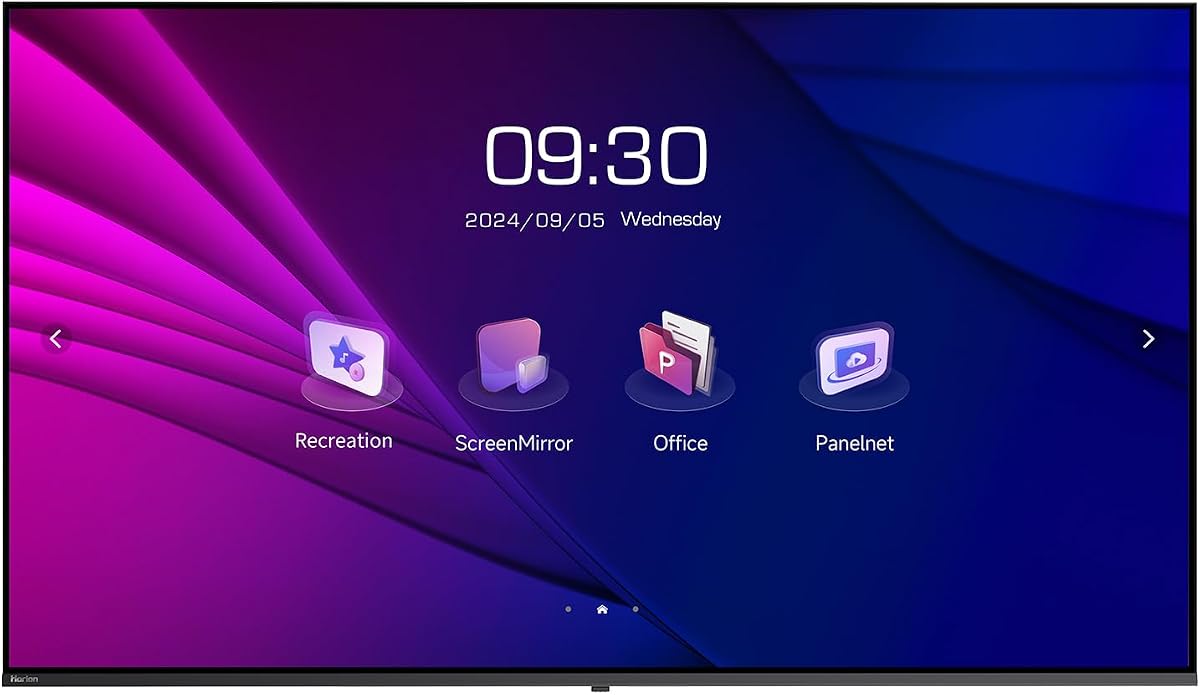
The HORION 75-inch model offers extensive features including dual WiFi for stable streaming. Its large screen makes it ideal for presentations requiring detailed visual data.
We may earn a commission when you buy through this link, at no additional cost to you.
Wireless casting support allows presenters to share content without physical cables. The dual WiFi system ensures internet connectivity remains stable while casting simultaneously.
As a newer brand, long-term software update reliability remains to be seen. Users should consider vendor support policies before committing to this model.
Businesses needing large displays with extensive connectivity options should consider this unit. It provides significant functionality at a competitive price point.
Dual independent WiFi modules prevent lag when using wireless casting during live sessions.
Support for both landscape and portrait orientations allows for versatile room layouts.
We may earn a commission when you buy through this link, at no additional cost to you.
The Dell P5525QC provides excellent connectivity options including USB-C and HDMI. This makes it versatile for diverse device inputs and charging needs.
We may earn a commission when you buy through this link, at no additional cost to you.
Its 400cd/m2 brightness ensures visibility in bright environments. The IPS panel delivers accurate colors for consistent viewing across all angles.
The price reflects premium build quality but limits budget flexibility. Lack of built-in smart features means reliance on external compute devices.
Organizations valuing connectivity standards and display quality should choose this model. It serves as a robust anchor for modern collaboration setups.
Multiple connection options simplify cabling for laptops and presentation systems.
High nits rating ensures text remains readable even in well-lit conference spaces.
We may earn a commission when you buy through this link, at no additional cost to you.
The Philips 34E1C is designed for huddle rooms with its built-in webcam and mic. This consolidates video conferencing hardware into a single device.
We may earn a commission when you buy through this link, at no additional cost to you.
Its USB-C docking capability simplifies connectivity for laptops while providing power. The curved panel offers better immersion for focused viewing tasks.
Resolution is lower than 4K standards which may limit text clarity. The smaller size restricts usage in larger formal meeting environments.
Small teams needing an all-in-one huddle solution will find this valuable. It streamlines hardware requirements for quick collaborative sessions.
Integrated webcam and microphone remove the need for separate conference peripherals.
USB-C docking delivers video and power through a single connection to your laptop.
We may earn a commission when you buy through this link, at no additional cost to you.
The Sony FW75BZ30L delivers high visual fidelity with HDR support for rich images. Its large screen makes it ideal for immersive presentations.
We may earn a commission when you buy through this link, at no additional cost to you.
The VA panel offers high contrast ratios suitable for varied lighting conditions. Sony's commercial grade ensures durability for rigorous daily usage cycles.
The price point is significant and requires budget allocation. Lack of a built-in operating system means external processing is necessary.
Creative agencies prioritizing image quality should consider this model. It provides superior visuals for detailed design or media reviews.
High contrast ratios ensure deep blacks and vivid colors for rich media playback.
Commercial-grade components are rated for extended operational hours in business environments.
We may earn a commission when you buy through this link, at no additional cost to you.
The Samsung QE50T is built for continuous 16/7 operation making it highly reliable. Dust-proof protection enhances longevity in high-traffic areas.
We may earn a commission when you buy through this link, at no additional cost to you.
Integrated speakers and USB media player simplify setup by reducing external components. The slim bezel design maintains a modern look for meeting rooms.
Brightness levels are standard which may be a limitation for bright rooms. Limited ports might require additional adapters for complex setups.
Businesses needing continuous uptime will appreciate this model. It is a dependable choice for long operational hours.
Designed for continuous use, this unit supports long operational hours without overheating.
The IP5X rating provides dust protection for robust operation in office environments.
We may earn a commission when you buy through this link, at no additional cost to you.
The Logitech MeetUp is a complete conferencing hub designed for huddle rooms. Its 4K sensor and beamforming microphones ensure clear communication.
We may earn a commission when you buy through this link, at no additional cost to you.
Multiple mounting options allow for flexible installation on walls or credenzas. It integrates seamlessly with major video platforms for easy use.
It does not include a display so a separate screen is required. The design is optimized for smaller rooms rather than large boardrooms.
Teams needing a plug-and-play conferencing solution should consider this system. It simplifies audio and video capture for remote meetings.
Beamforming microphones capture voices clearly up to four meters away in rooms.
Plug-and-play connectivity eliminates complex configuration for quick meeting room deployment.
We may earn a commission when you buy through this link, at no additional cost to you.
Selecting the right monitor involves balancing size, resolution, connectivity, and special conferencing features to match your specific meeting room needs.
Consider the room size and seating distance when choosing screen dimensions. Larger rooms generally require 65-inch displays or bigger to ensure visibility for all participants.
For smaller huddle spaces, 43 to 55 inches often provide the best balance between detail and cost.
4K UHD resolution is the standard for modern business displays ensuring sharp text and detailed graphics. Higher resolution helps prevent eye strain during long presentations.
Ensure that your source devices can output 4K signals to make full use of the display capabilities.
Look for HDMI and USB-C ports to support diverse laptops and devices. USB-C with power delivery can simplify setup by reducing cable clutter.
Wireless options like Wi-Fi or Bluetooth can facilitate screen sharing from tablets and smartphones.
Higher brightness measured in nits is critical for rooms with windows or strong lighting. Aim for at least 350 nits to ensure visibility.
Anti-glare coatings also help reduce reflections and improve readability in bright environments.
Built-in speakers vary widely in quality. Ensure speakers are loud enough for the room size without requiring external audio systems.
Models with dedicated audio outputs allow easier connection to higher quality external speakers if needed.
Some monitors include operating systems that allow direct media playback without a computer. These can reduce hardware costs and simplify operations.
Check compatibility with your existing software to ensure these features provide actual value.
Commercial grade monitors are built to run longer hours daily without overheating. They often feature better ventilation and power components.
Verify the operational hour rating to match your usage patterns such as 12/7 versus 16/7.
A solid warranty protects your investment against defects. Look for models that offer at least a three-year commercial warranty.
Extended warranty options can provide further peace of mind for high-traffic meeting spaces.
Install the monitor securely using appropriate wall mounts or stands to prevent tipping. Follow manufacturer guidelines for weight limits and mounting patterns.
Regularly clean the screen with a soft microfiber cloth to avoid scratches. Avoid harsh chemicals that can damage the anti-glare coating.
Adjust brightness and contrast settings to match the room lighting. This ensures comfortable viewing and reduces eye fatigue over time.
For standard rooms accommodating up to ten people, a 55-inch monitor is usually sufficient. Larger rooms or boardrooms often benefit from 65-inch or 75-inch displays to ensure visibility.
Many models include built-in speakers that work well for small meetings. However, larger spaces may require external audio systems for clear sound.
HDMI and USB-C are essential for connecting laptops. Wireless options like Wi-Fi allow sharing from mobile devices without cables.
Commercial monitors are designed for longer operational hours and durability. They are a better choice for daily business use compared to consumer displays.
Yes, many models feature embedded media players and remote management suitable for digital signage. This allows you to use the display for presentations and marketing.
Use a microfiber cloth and screen-safe cleaner applied to the cloth. Avoid spraying liquid directly on the screen to prevent damage to electronics.
Choosing the right monitor depends on your specific room size and collaboration needs. The models listed provide a range of sizes and features to suit different environments.
Prioritize resolution, connectivity, and brightness to ensure a seamless meeting experience. These factors will impact usability more than brand or minor features.
Remember to check current availability and pricing as these vary frequently. Selecting the right model will enhance communication and productivity for your team.