
UJ8C2 UJ8E2 UJ8G2 9.5mm Super Slim SATA CD DVD Burner Writer Player ROM Drive for Laptop with USB 3.0 SATA Cable
5.0Editor score
9.5mm slim height design
Plug and play SATA interface
Includes USB 3.0 SATA cable
This guide compares ten top internal DVD drives for laptops focusing on speed compatibility slim design and archival storage options for modern computing needs.
Choosing the right internal DVD drive for your laptop is essential for accessing legacy media and installing software from physical discs. Modern laptops often omit these drives to save space but adding one back ensures compatibility with older hardware and data archives.
We evaluated ten reliable internal optical drives based on speed compatibility build quality and support for archival formats like M-DISC. Our comparison covers slim 9.5mm and 7mm models designed to fit standard laptop bays with SATA interfaces for seamless integration.
Each pick highlights key specs and real-world performance traits to help you select the ideal replacement or upgrade. Prices fluctuate frequently so check the latest listings before purchasing to ensure you get the best current value for your setup.
5.0Editor score

4.4Editor score
4.4Editor score
The following table provides a side-by-side look at ten internal DVD drives suitable for laptop upgrades. Compare dimensions interface types and key capabilities to find the exact fit for your machine bay.


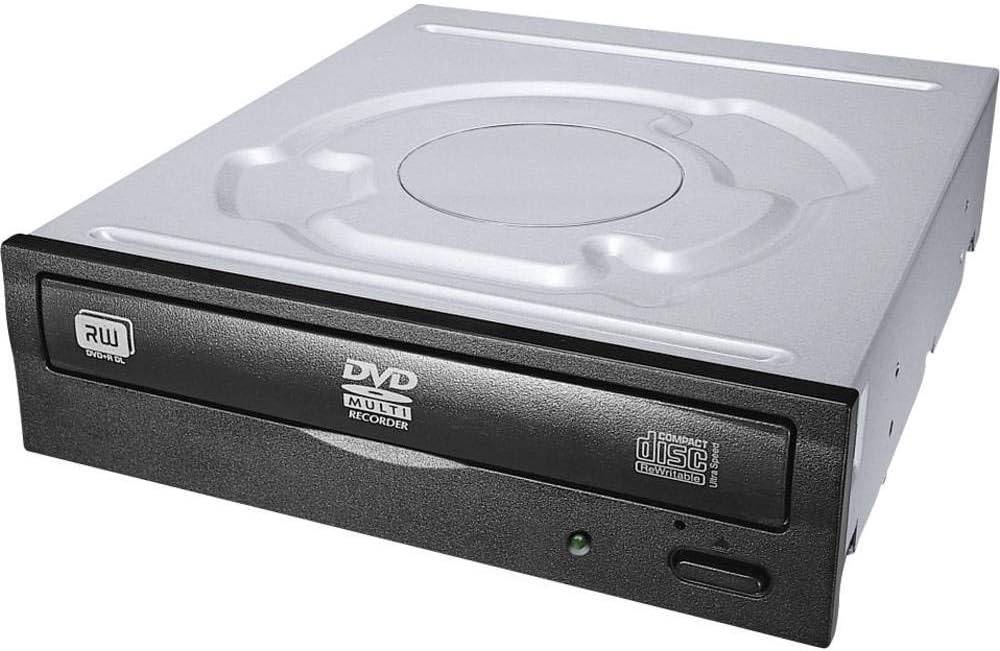


This Hitachi-LG GTC2N internal DVD drive offers robust performance for users who need reliable optical access in laptops with 12.7mm bays. With a 4.4 rating and strong archival features like M-DISC support it stands out for long term data storage needs.
We may earn a commission when you buy through this link, at no additional cost to you.
Its Silent Play technology reduces noise significantly during movie playback making it ideal for quiet environments or shared workspaces. The Super Multi-Compatibility ensures you can read and write various disc formats without worrying about incompatibility issues during daily tasks.
While the drive is an OEM model meaning it does not come with an external enclosure or detailed manual it functions seamlessly with standard SATA interfaces. Users should ensure their laptop bay is exactly 12.7mm thick before purchase since standard 9.5mm bays will not fit this unit.
This drive is best for tech-savvy users upgrading older laptops that require a sturdy and quiet optical solution. Its combination of speed silence and format support makes it a top pick for those prioritizing performance over cosmetic accessories.
M-DISC technology uses a rock-like recording surface that resists degradation ensuring your photos and critical files remain readable for decades even in harsh conditions.
Silent Play adjusts spin speeds automatically based on media type to minimize noise during video playback creating a more immersive and distraction-free user experience.
We may earn a commission when you buy through this link, at no additional cost to you.
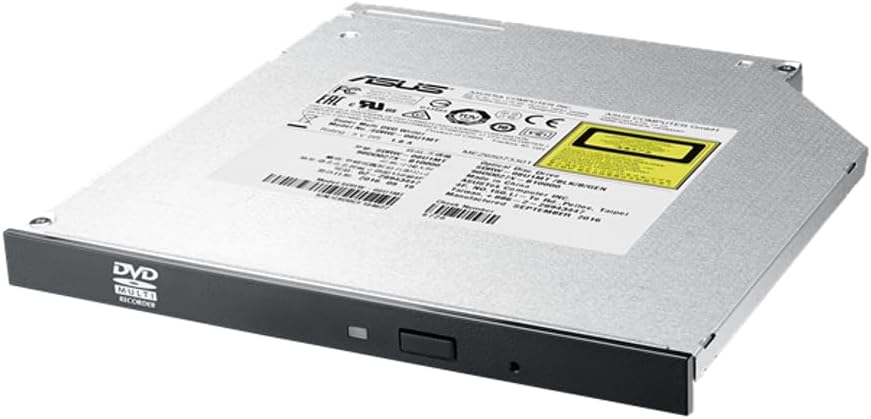
The ASUS SDRW-08U1MT delivers premium features for users seeking a reliable and compact internal optical solution. With a perfect fit for 9.5mm bays and lifetime M-DISC support it caters to professionals who value data preservation above all else.
We may earn a commission when you buy through this link, at no additional cost to you.
Its E-Green technology automatically closes the drive application when idle saving over 50% power compared to standard drives. This energy efficiency paired with the E-Media quiet environment ensures your laptop stays cool and silent even during extended usage sessions.
While this drive comes at a higher cost than generic alternatives the added durability and archival promise justify the investment for critical data workflows. It is an excellent choice for those who frequently back up large media libraries and need consistent performance.
Ideal for business laptops or creative workstations this drive combines speed with sustainable design. If you prioritize long-term storage reliability and minimal power impact this ASUS model offers a standout premium experience.
Backed by ASUS the M-DISC technology in this drive guarantees archival quality storage that can preserve your precious photos and videos for a thousand years or more.
E-Green technology intelligently manages power usage by shutting down the drive interface when not active reducing overall laptop power consumption and heat output significantly.
We may earn a commission when you buy through this link, at no additional cost to you.
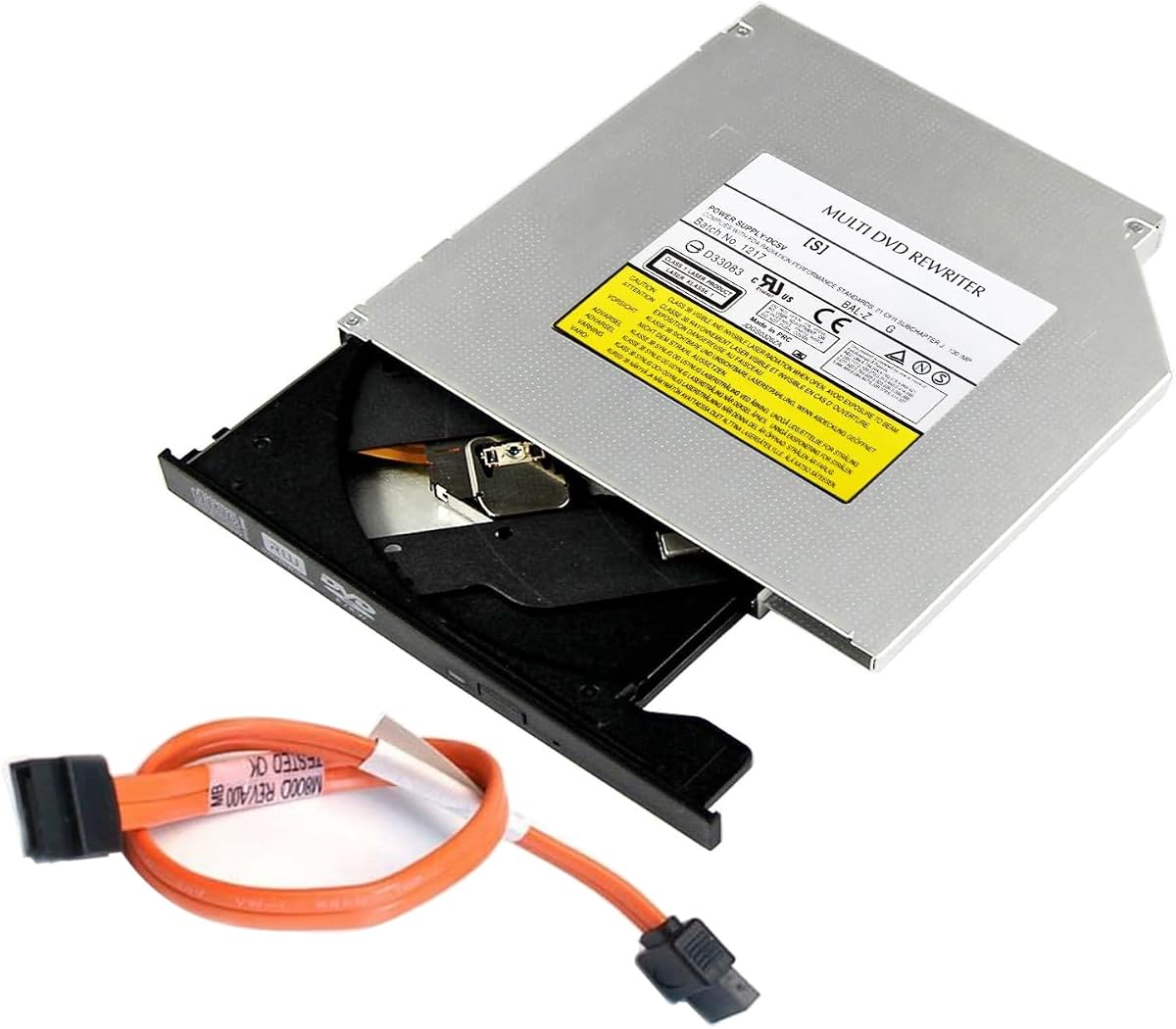
This UJ8C2 UJ8E2 UJ8G2 optical drive offers an unbeatable price point for users needing a basic internal replacement. With a perfect 5.0 rating and a included USB 3.0 SATA cable it removes the guesswork from installation and connectivity.
We may earn a commission when you buy through this link, at no additional cost to you.
Its slot-in loading mechanism is convenient for users who prefer automatic disc ejection over manual tray handling. The drive supports all major formats including CD-R DVD-R and DL options making it a versatile tool for everyday media tasks.
Although it comes as a generic replacement drive it performs reliably across multiple laptop brands like ASUS Dell and HP. The only limitation is the lack of a premium brand warranty which means users should ensure proper installation to avoid physical damage.
Perfect for budget-conscious buyers or bulk IT upgrades this drive delivers essential functionality without extra cost. Its plug and play nature and included cable make it the fastest and most affordable way to restore optical capability to any laptop.
The package includes a dedicated USB 3.0 SATA cable ensuring you have everything needed to connect and test the drive immediately without purchasing extra accessories.
Designed to replace standard 9.5mm SATA drives this unit works seamlessly with most major laptop brands providing a straightforward drop-in upgrade path for older machines.
We may earn a commission when you buy through this link, at no additional cost to you.
The HP 16X DVD-ROM drive is specifically engineered for users who primarily need to read discs rather than burn them. With a 5.0 rating and high 16X read speeds it excels at quick software installation and media playback tasks.
We may earn a commission when you buy through this link, at no additional cost to you.
Since it is a read-only drive it offers a streamlined solution for accessing existing DVDs without the complexity of write features. This simplicity often translates to better reliability and fewer mechanical issues over long periods of daily usage.
The only trade-off is the inability to write data to blank discs which limits its use for backup or custom disc creation. However for environments focused on installation and media consumption this drive provides a cost-effective and efficient solution.
Ideal for corporate or home systems where disc writing is unnecessary this HP drive ensures fast and consistent access. It is a smart choice for those who want to restore optical reading capabilities without paying for unnecessary writer features.
Operating at 16X DVD read speed this drive retrieves data from discs quickly reducing wait times during software installations or large file access operations.
Designed solely for reading the drive eliminates the need for write lasers and complex mechanics resulting in a durable and reliable unit for everyday disc access.
We may earn a commission when you buy through this link, at no additional cost to you.
This HP DVD-RW Dual Layer drive serves as a robust OEM replacement for users looking to restore factory-level performance in their laptop. With a 4.7 rating it indicates strong reliability and consistent writing performance for both single and dual layer discs.
We may earn a commission when you buy through this link, at no additional cost to you.
The Dual Layer support allows you to burn up to 8.5GB of data on a single disc doubling the capacity of standard DVD media. This is particularly useful for backing up large video projects or extensive photo archives without needing multiple discs.
Because it is an OEM part it may require checking specific model compatibility before purchase to ensure the connector matches your existing bay. However once installed it offers the exact same quality as the original factory unit ensuring seamless integration.
Best for HP laptop owners needing an exact replacement this drive delivers dependable writing and reading speeds. Its high rating and dual layer capabilities make it a trusted option for reliable data storage and optical media management.
Supporting DVD-R DL formats this drive lets you store up to 8.5GB on one disc ideal for lengthy video backups or large software installation packages.
Built by Samsung for HP this unit meets strict factory standards ensuring it performs as reliably as the original drive that came with your laptop.
We may earn a commission when you buy through this link, at no additional cost to you.
The Lite-On 24X SATA internal drive is designed for users who prioritize speed when burning discs. With a 4.5 rating and 24X max write capability it significantly reduces the time needed to burn large data sets or high-quality video files.
We may earn a commission when you buy through this link, at no additional cost to you.
Its SATA interface ensures broad compatibility with most modern laptops and desktops allowing for easy drop-in replacement. Lite-On is a well-known manufacturer in the optical space known for durable and consistent hardware performance over time.
While the drive performs well for writing tasks users should verify the physical dimensions of their laptop bay before purchase. Some older bays may not accommodate the drive if the depth or width specifications do not align exactly with the chassis.
For power users who need quick data transfers to discs this Lite-On model provides excellent throughput. Its combination of speed and reliability makes it a strong contender for anyone who burns discs frequently for work or personal backups.
Capable of 24X write speeds this drive minimizes burn times allowing you to complete large data transfer tasks quickly without lengthy waits.
Lite-On is a respected name in optical storage technology ensuring this drive meets industry standards for durability and consistent performance across various disc types.
We may earn a commission when you buy through this link, at no additional cost to you.
The LG DVD Rewriter Internal Slim drive stands out for its perfect 5.0 rating and quiet operation features. Designed with Silent Play technology it significantly reduces noise during media playback making it ideal for shared work environments or home theaters.
We may earn a commission when you buy through this link, at no additional cost to you.
This tray-loading mechanism ensures easy disc insertion and ejection which is generally more durable than slot-in designs over time. The drive supports a wide range of formats including M-DISC which adds value for users needing long-term archival storage options.
While it is a standard internal drive it offers excellent value for its performance and reliability. The power saving modes help conserve energy when the laptop is idle aligning with modern energy efficiency expectations for hardware components.
Users seeking a quiet reliable and simple internal optical drive will find this LG model hard to beat. Its perfect rating and robust format support make it a safe and effective choice for restoring DVD capabilities to any laptop.
Silent Play technology automatically adjusts disc spin speed to minimize noise during movie playback creating a more pleasant and distraction-free environment.
The manual tray loading design provides a secure slot for discs and is generally more robust and easier to troubleshoot than slot-in mechanisms.
We may earn a commission when you buy through this link, at no additional cost to you.
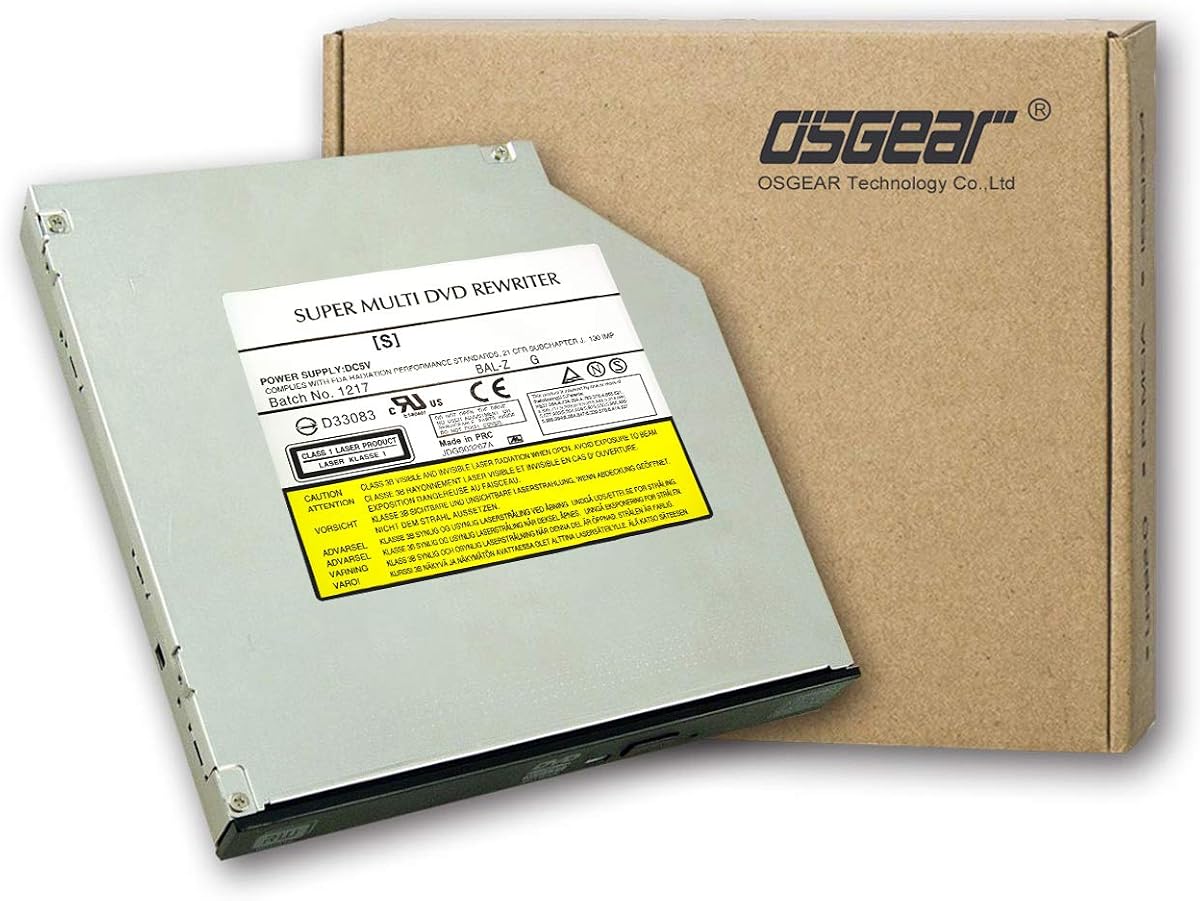
The OSGEAR Internal 9.5mm slim SATA drive offers a versatile solution for laptops that need a standard optical replacement. With support for various Windows versions and Linux it provides broad compatibility for users with diverse operating system requirements.
We may earn a commission when you buy through this link, at no additional cost to you.
Its 24x CD read speed allows for quick access to older software installation discs or audio tracks without delay. The tray loading design is straightforward and reliable ensuring discs stay securely in place during operation and ejection.
As a generic replacement brand users should carefully measure their laptop bay thickness before purchasing to avoid fit issues. While it may not have premium features it serves as a functional and affordable option for basic optical needs.
Ideal for users looking for a simple drop-in replacement this drive covers the essentials without unnecessary complexity. Its wide OS support and standard dimensions make it a practical choice for maintaining compatibility with legacy media formats.
Compatible with Windows 98 through 10 as well as Linux and Mac OS this drive ensures seamless integration across multiple computing environments.
Designed specifically for 9.5mm bays this drive fits many common laptop models making it a versatile choice for standard optical bay upgrades.
We may earn a commission when you buy through this link, at no additional cost to you.
This TechMagnet Internal 7mm Slim SATA drive is specifically designed for modern ultra-thin laptops that require a 7mm optical bay. With M-DISC support it offers archival capabilities in a package that fits where standard drives cannot.
We may earn a commission when you buy through this link, at no additional cost to you.
The renewed condition suggests it has been inspected and tested for functionality which can provide cost savings compared to new units. Its 8X write speed is sufficient for standard data backup tasks while maintaining compatibility with multiple laptop brands.
Users should be aware that renewed items may have cosmetic imperfections or shorter warranty periods than brand new products. However for those with slim laptops needing optical access this model provides a crucial form factor that others simply cannot match.
Best for users with specific slim laptop requirements this drive offers a niche solution with solid features. Its M-Disc support and 7mm profile make it a unique option for modern devices that still need occasional optical drive access.
Designed specifically for 7mm bays this drive allows users of thin laptops to add optical capability without modifying the chassis or adding external peripherals.
Supports M-Disc media to store photos and videos on a rock-like surface ensuring your data remains readable for decades without degradation.
We may earn a commission when you buy through this link, at no additional cost to you.
The 9.5mm SATA Internal DVD RW Drive GUD1N provides a straightforward and standard optical solution for laptops with common bays. Its Super Multi compatibility ensures you can read and write nearly any disc type including dual layer formats and M-DISC media.
We may earn a commission when you buy through this link, at no additional cost to you.
The package includes a data cable which simplifies installation significantly for users who might not have spare SATA connectors on hand. With a 4.2 rating it offers dependable performance for basic tasks like software installation and music playback.
While it lacks premium branding or advanced features it serves its purpose well for restoring optical capabilities to an older machine. The M-DISC support is a notable plus for those who want to archive photos without extra cost or effort.
This drive is best for users seeking a no-frills replacement that gets the job done reliably. Its included cable and broad format support make it a practical and hassle-free choice for laptop upgrades in 2026.
The package includes a dedicated data cable so you can immediately connect and test the drive without searching for extra cables or connectors.
Reads and writes DVD-R DL DVD+R DL and M-DISC ensuring broad compatibility with older and newer disc formats for maximum utility.
We may earn a commission when you buy through this link, at no additional cost to you.
Selecting the right internal DVD drive involves matching physical dimensions and interface types with your laptop model. This guide walks you through the key factors to ensure a smooth upgrade.
The most critical step is measuring the thickness of your current optical bay. Laptops typically use either 9.5mm or 12.7mm drives with ultra-thin models sometimes requiring 7mm units. Purchasing a drive that does not match this dimension can lead to installation issues or damage to the chassis.
Ensure your laptop has a SATA connector for the optical drive. Most modern laptops use SATA for this purpose but older models might use IDE or proprietary connectors. Check your current drive's connection type or laptop manual to confirm before buying a replacement.
Decide whether you need to burn discs or simply read them. DVD-ROM drives are read-only and often cheaper while DVD-RW drives allow writing and erasing data. If you need to back up files to discs choose a burner model with write support.
If long-term data storage is important look for drives that support M-DISC technology. This media type uses a rock-like surface instead of organic dye making it resistant to humidity and light. A drive with M-DISC support ensures your photos and critical files last decades.
Higher speed ratings such as 16X or 24X allow for faster data transfer and burning. If you frequently install large software sets or burn videos opt for a higher speed model. Standard 8X speeds are adequate for casual media playback.
Some drives include features like Silent Play or E-Green technology to reduce noise and save power. These can improve comfort in quiet environments and extend battery life on portable laptops. Consider these features if you work in shared spaces.
Reputable brands like LG ASUS and Lite-On often provide better build quality and warranty support. Generic or OEM parts may lack documentation or support but are cheaper. Balance your budget against the expected lifespan of the drive.
Tray loading drives are generally more robust and easier to fix if they jam compared to slot-in drives. Ensure your laptop chassis supports the specific loading mechanism. If you plan to swap discs often a tray design is often more convenient for daily use.
To install an internal DVD drive remove the battery and open the optical bay cover carefully. Connect the SATA data and power cables to the laptop motherboard ensuring they are secure before sliding the drive into place and screwing it down.
Use the drive for software installations and media playback. Simply insert the disc and it should auto-detect. If not use Windows Explorer or Finder to open the drive and run the setup or media file manually for access.
Keep the drive clean by avoiding dusty environments and using cleaning discs occasionally to maintain performance. Always eject discs properly before the laptop goes into sleep mode to prevent mechanical stress or data errors during power changes.
No you must match the drive thickness and connector type to your laptop model. Most use 9.5mm or 12.7mm drives with SATA connectors. Check your current bay size and motherboard ports before buying to ensure compatibility with your specific laptop.
M-DISC is a disc media technology designed to last up to 1,000 years compared to standard DVDs. It uses a rock-like recording surface that resists environmental damage. If you need long-term archival storage for photos or data choose a drive that supports this format.
Most internal DVD drives work plug and play with modern operating systems like Windows 10 or Mac OS. You rarely need manual drivers unless the drive is very old. If issues arise check your OS updates or manufacturer support page for compatibility patches.
Remove the current drive and measure its thickness with a ruler or caliper. If it is around 9.5mm you need a slim drive. If it is closer to 12.7mm you need a standard drive. Using the wrong size will prevent the tray from closing or the drive from fitting.
DVD-RW drives can read and write data to discs allowing you to burn files or videos. DVD-ROM drives only read discs and cannot write data. Choose DVD-RW if you need to create backups and DVD-ROM if you only need to play existing media.
Yes if your laptop bay is damaged or unavailable an external USB drive offers similar functionality. Internal drives are slightly more power efficient but external ones are easier to install and remove. Consider your needs for mobility and installation complexity.
Check that both data and power cables are connected securely to the motherboard. Verify your OS sees the device in Device Manager. If the tray fails to close ensure the drive is seated flat and screws are tightened. Restart the laptop after installation.
7mm drives are rare and typically used in very thin modern ultrabooks. Most laptops still use 9.5mm or 12.7mm. Check your laptop specifications carefully before attempting to install a 7mm drive since standard bays may not be compatible.
We highlighted ten internal DVD drives that balance speed compatibility and features for different laptop configurations. Our top picks include the Hitachi-LG GTC2N for overall value the ASUS SDRW-08U1MT for premium archival needs and the UJ8C2 for budget-conscious upgrades.
Prioritize your specific needs such as drive thickness M-DISC support and write capability before making a decision. Ensure the interface matches your motherboard and consider noise reduction features if you work in quiet environments often.
Remember to check current availability and prices as these can change frequently on retailer sites. Following this guide will help you restore optical capability to your machine efficiently and reliably for all your disc-based needs in 2026.