
Dell Precision 3581 Workstation
4.0Editor score
i7-13800H CPU
RTX A500 Graphics
32GB DDR5 Memory
Finding the right laptop for computer-aided design requires balancing raw performance with portability and display quality. Professionals need machines that handle complex 3D models and rendering tasks without slowing down during critical project phases.
We evaluated ten high-performance workstations based on processor speed, graphics capabilities, memory capacity, and display accuracy. Each model was chosen for its ability to run industry-standard CAD software efficiently while maintaining stability under heavy workloads.
Every pick highlights specific strengths like ISV certification, thermal management, or connectivity options to help you decide. Note that product availability and pricing may change frequently, so verify current details before making your final purchasing decision today.
4.0Editor score

4.4Editor score

5.0Editor score
As an Amazon Associate we earn from qualifying purchases.
The following table provides a side-by-side comparison of key specifications for all ten recommended laptops to help you quickly identify the right configuration for your specific CAD workflow needs.




This flagship workstation delivers exceptional performance for demanding CAD workflows with its Intel Core i9 processor and 32GB of DDR5 memory. It ranks as our top choice because it balances raw speed with reliable ISV certification for professional applications like AutoCAD and Revit.
We may earn a commission when you buy through this link, at no additional cost to you.
The inclusion of Thunderbolt 4 ports allows for flexible multi-monitor setups essential for complex design projects. Additionally, the MIL-STD-810H testing ensures the device can withstand the rigors of on-site work environments without compromising performance.
While the device is built for professional use, the price reflects its high-end component selection. This cost is justified for firms requiring enterprise-grade security and IT manageability features included with Windows 11 Pro.
Architects and engineers handling large scale projects will find this machine capable of rendering complex 3D models smoothly. It stands out as the most reliable option for those who need consistent performance under heavy loads.
ISV certifications guarantee that professional software runs without crashes or compatibility issues during critical design phases.
The CAMM memory design allows for faster RAM speeds and thinner profiles while maintaining upgrade potential for future needs.
We may earn a commission when you buy through this link, at no additional cost to you.
This model offers a balanced mix of performance and value for professionals who need dedicated graphics without the top-tier cost. It features the NVIDIA RTX 1000 Ada GPU which is optimized for design and architecture workflows.
We may earn a commission when you buy through this link, at no additional cost to you.
The ability to connect up to four external monitors makes it ideal for multi-screen setups often required in engineering studios. The 32GB of DDR5 RAM ensures smooth multitasking across multiple design applications simultaneously.
While the processor is a step down from the i9 variant, it still delivers robust performance for standard CAD tasks. The ISV certifications remain a key feature ensuring compatibility with essential professional software tools.
Users looking for a reliable workstation that supports extensive peripheral connectivity will appreciate this configuration. It serves well as a primary machine for teams requiring standardized hardware across multiple workstations.
Support for four external displays enables seamless workflow management across reference designs and active modeling windows.
The RTX 1000 Ada GPU provides dedicated rendering power that outperforms integrated graphics in 3D modeling tasks.
We may earn a commission when you buy through this link, at no additional cost to you.
This mobile workstation stands out with its massive memory and storage capacity designed for handling large datasets and complex files. The Intel Core Ultra 7 processor provides efficient power management alongside strong computational performance for CAD work.
We may earn a commission when you buy through this link, at no additional cost to you.
With 64GB of DDR5 RAM, users can run multiple heavy applications without performance degradation. The 2TB SSD ensures that extensive project archives are stored locally with fast access times during editing sessions.
The inclusion of Wi-Fi 7 technology ensures that cloud collaboration and file transfers occur at maximum speeds available today. This future proof connectivity is valuable for teams relying on cloud based rendering or asset management systems.
Professionals working with AI enhanced design workflows will benefit from the specialized processing capabilities. The touchscreen adds versatility for sketching ideas or navigating complex interfaces with intuitive touch gestures.
Wi-Fi 7 support ensures the laptop remains compatible with the fastest wireless networks for years to come.
Integrated AI features assist in rendering and design optimization to speed up complex engineering tasks.
We may earn a commission when you buy through this link, at no additional cost to you.
For users seeking professional CAD capabilities without a premium price tag this model offers a compelling entry point into the Precision lineup. It features a robust 14 core processor that handles multitasking effectively for its price range.
We may earn a commission when you buy through this link, at no additional cost to you.
The dedicated Nvidia RTX A500 graphics card provides necessary acceleration for 3D rendering tasks which integrated graphics often struggle to manage. This makes it suitable for students or small firms needing reliable hardware at a lower cost.
Buying a renewed unit allows for significant savings while still providing access to high-end workstation features. The included two-year warranty with on-site service adds a layer of protection for users who cannot afford long downtimes.
Those working on standard 2D drafting or light 3D modeling will find the performance adequate for daily tasks. It represents a smart value proposition for professionals who prioritize raw specifications over brand new packaging.
The renewed status offers access to enterprise grade components at a fraction of the new device price.
With fourteen cores the processor excels at parallel tasks like compiling code or running simulations.
We may earn a commission when you buy through this link, at no additional cost to you.
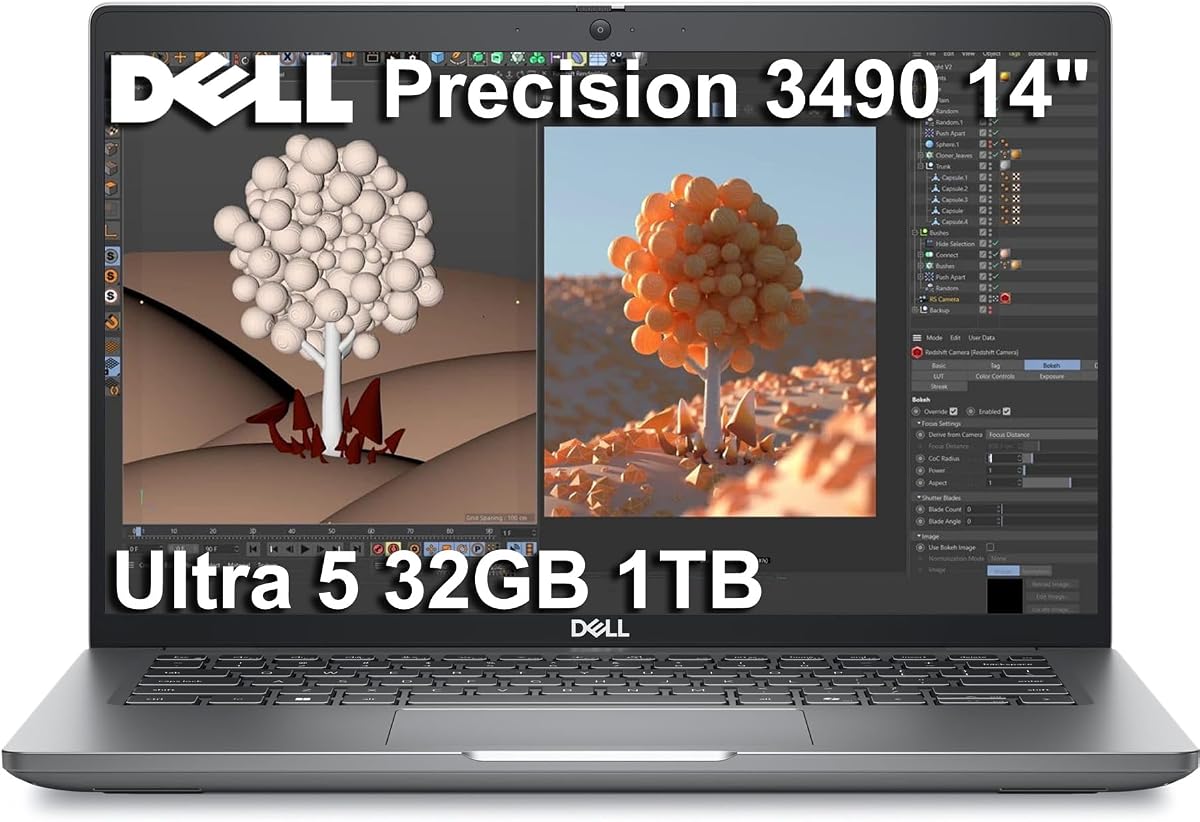
This device proves that workstation power does not require excessive weight with a chassis weighing only 3.09 pounds. It is designed for professionals who travel frequently but still need reliable performance for field work or client meetings.
We may earn a commission when you buy through this link, at no additional cost to you.
Despite its portable form factor it meets military standards for durability ensuring it can handle the bumps of travel. The Intel Core Ultra 5 processor provides efficient power usage which contributes to longer battery life on the go.
Users can connect up to three external monitors when at a desk allowing for an expanded workspace when needed. This flexibility makes it a hybrid solution for both mobile and stationary work environments seamlessly.
Individuals who prioritize mobility above all else will find this machine fits perfectly in their lifestyle. It maintains enough power for CAD tasks while remaining light enough to carry daily without strain.
The light weight and durable build make it the ideal companion for architects visiting construction sites.
The Ultra processor balances speed and battery life to keep you productive away from power outlets.
We may earn a commission when you buy through this link, at no additional cost to you.
This model offers a spacious 17.3 inch display which provides ample screen real estate for detailed technical drawings. The NVIDIA RTX 4000 Ada graphics card ensures that complex 3D models render quickly with high fidelity visuals.
We may earn a commission when you buy through this link, at no additional cost to you.
The high user rating reflects its reliability and performance under demanding workloads. Professionals who need a single screen setup without external monitors often prefer this larger form factor for its immersive workspace.
With 2TB of storage built in you can keep multiple large project files locally without relying on external drives. This internal storage speed significantly reduces the time spent loading massive assemblies or datasets.
Engineering firms requiring maximum visual clarity and graphics power will benefit from this configuration. It serves as an excellent desktop replacement that can still be moved between conference rooms or offices.
The 17.3 inch screen reduces eye strain by providing larger viewports for complex technical drawings.
The RTX 4000 Ada GPU handles ray tracing and advanced rendering features efficiently for design teams.
We may earn a commission when you buy through this link, at no additional cost to you.
This configuration strikes a balance between processor speed and dedicated graphics performance for general CAD users. The RTX 2000 Ada GPU offers sufficient power for most 3D design tasks without the extreme cost of higher tier models.
We may earn a commission when you buy through this link, at no additional cost to you.
The ability to connect four external monitors provides exceptional flexibility for multi tasking environments. This is particularly useful for project managers who need to view multiple documents and designs simultaneously.
While the rating is slightly lower than flagship models it still meets the core requirements for professional engineering work. The ISV certifications ensure that critical software runs smoothly during daily operations.
Teams looking for a versatile workstation that supports extensive peripheral setups will find this useful. It offers a reliable foundation for professional workflows without requiring a maximum budget allocation.
Support for four external displays allows for highly efficient workflow management across multiple tasks.
The RTX 2000 Ada provides the necessary rendering power for most architectural visualization needs.
We may earn a commission when you buy through this link, at no additional cost to you.
This unit stands out for its massive 128GB of RAM which is ideal for running complex simulations and virtual machines. It targets users who require the absolute maximum memory capacity to avoid bottlenecks during intensive computations.
We may earn a commission when you buy through this link, at no additional cost to you.
The high brightness display ensures visibility in various lighting conditions including outdoor construction sites. The 24 core processor provides the computational threads needed for parallel processing tasks common in scientific computing.
While the storage is smaller than other models the focus here is clearly on volatile memory performance. This trade off makes sense for users who store data on network servers but need to run large datasets locally.
Researchers and engineers performing finite element analysis will appreciate the sheer volume of memory available. It is a specialized tool for those who need to load gigabytes of data into memory for processing.
With 128GB of RAM users can run multiple virtual environments and simulations without performance loss.
The configuration is optimized for high core count tasks such as rendering or scientific calculations.
We may earn a commission when you buy through this link, at no additional cost to you.
This model combines a generous amount of memory with substantial storage for an all around professional package. The 64GB of RAM ensures that even when multiple large applications are open the system remains responsive.
We may earn a commission when you buy through this link, at no additional cost to you.
With 2TB of storage users can keep a vast library of local files without worrying about space constraints. The high user rating indicates strong satisfaction with its performance and build quality over time.
The RTX 2000 Ada graphics card handles visualization tasks effectively for engineering teams. It supports the demanding needs of design work while maintaining a stable platform for daily operations.
Professionals who need a reliable machine for long term projects will find this configuration suitable. It balances cost and performance effectively for serious CAD work without unnecessary overkill features.
64GB of RAM allows for smooth multitasking between heavy design software and browsers.
The robust build and stable performance make it a solid investment for years of use.
We may earn a commission when you buy through this link, at no additional cost to you.
This laptop brings the trusted ThinkPad build quality to a mobile workstation form factor with modern connectivity. The keyboard experience remains a highlight for professionals who type extensively during documentation and coding phases.
We may earn a commission when you buy through this link, at no additional cost to you.
Support for Wi-Fi 7 ensures that cloud connections remain stable and fast for remote collaboration. The Intel Core Ultra 7 processor offers efficient performance suitable for general CAD workflows and business tasks.
ISV certifications ensure that key design applications are tested for compatibility with this hardware configuration. It provides a reliable alternative for users already invested in the Lenovo ecosystem who need professional grade tools.
Professionals who prioritize input comfort and connectivity speed will appreciate this design. It balances mobility and performance well for those who do not require extreme graphics power.
The ThinkPad keyboard offers excellent travel and comfort for long typing sessions during reports.
Wi-Fi 7 provides the fastest wireless speeds for transferring large design files to the cloud.
We may earn a commission when you buy through this link, at no additional cost to you.
Selecting the right laptop for computer-aided design requires understanding the specific hardware demands of your workflow and software stack.
The CPU is the engine of your CAD laptop. Look for multi-core processors like Intel Core i7 or i9 to handle complex calculations efficiently.
Prioritize high core counts for better performance in simulation and rendering tasks.
Professional workloads benefit from dedicated GPUs like NVIDIA RTX or AMD Radeon Pro cards. Integrated graphics may struggle with detailed 3D models.
Choose a card with enough VRAM to handle large textures and assemblies without lag.
Memory is critical for multitasking and loading large files. Aim for at least 32GB of DDR5 RAM to ensure smooth operation.
Higher capacities like 64GB are recommended if you run multiple heavy applications simultaneously.
A high-resolution screen with good color accuracy helps you see details clearly. Look for FHD+ or higher resolutions on 16-inch panels.
Anti-glare coatings are essential for reducing eye strain during long working hours.
Fast SSDs reduce load times for applications and large project files. NVMe PCIe drives are the standard for performance laptops.
Ensure you have enough space to store active projects locally for quick access.
This certification guarantees that your CAD software will run stably on the hardware. It prevents crashes and compatibility issues.
Always choose a workstation with ISV certification if you rely on specific industry software.
Look for multiple USB-C, Thunderbolt, and HDMI ports to connect monitors and peripherals easily.
Wireless standards like Wi-Fi 7 ensure fast data transfer for cloud-based collaboration.
If you travel often, check for MIL-STD certifications and reasonable weight. A heavy machine may be hard to carry daily.
Balance the need for power with the physical comfort of carrying the device.
Keep your laptop on a hard surface to ensure proper airflow and prevent overheating during rendering tasks.
Regularly update your graphics drivers to maintain compatibility with the latest CAD software versions.
Use a cooling pad if you work for extended periods to extend the lifespan of internal components.
Yes, a dedicated graphics card is essential for smooth 3D modeling and rendering. Integrated graphics often lag when handling complex designs or large assemblies. Professional GPUs ensure stability and speed for demanding software.
While 16GB may suffice for very basic 2D drafting, 32GB is the recommended standard for modern workflows. It prevents slowdowns when multitasking or working with larger files. More RAM ensures better future-proofing for your workstation.
A 15.6 to 16-inch screen offers a good balance between visibility and portability. Larger 17-inch screens provide more detail but add weight. Always consider if you will use external monitors as well.
ISV certification means the hardware has been tested by software vendors for reliability. It reduces the risk of software crashes during critical design phases. This is crucial for professional use where stability is key.
Gaming laptops can work for basic CAD but lack specific optimizations for professional apps. Workstation GPUs offer better stability and driver support for engineering software. It is better to invest in a certified device.
At least 512GB or 1TB of SSD storage is recommended for active projects. CAD files can be large and require quick access. Cloud storage can supplement but local speed is vital for editing.
Our top picks offer a range of options from portable units to high-power workstations for different needs.
Prioritize ISV certification and memory capacity to ensure your chosen machine lasts for years.
Check current availability and verify specs before purchasing to ensure you get the exact configuration you need.